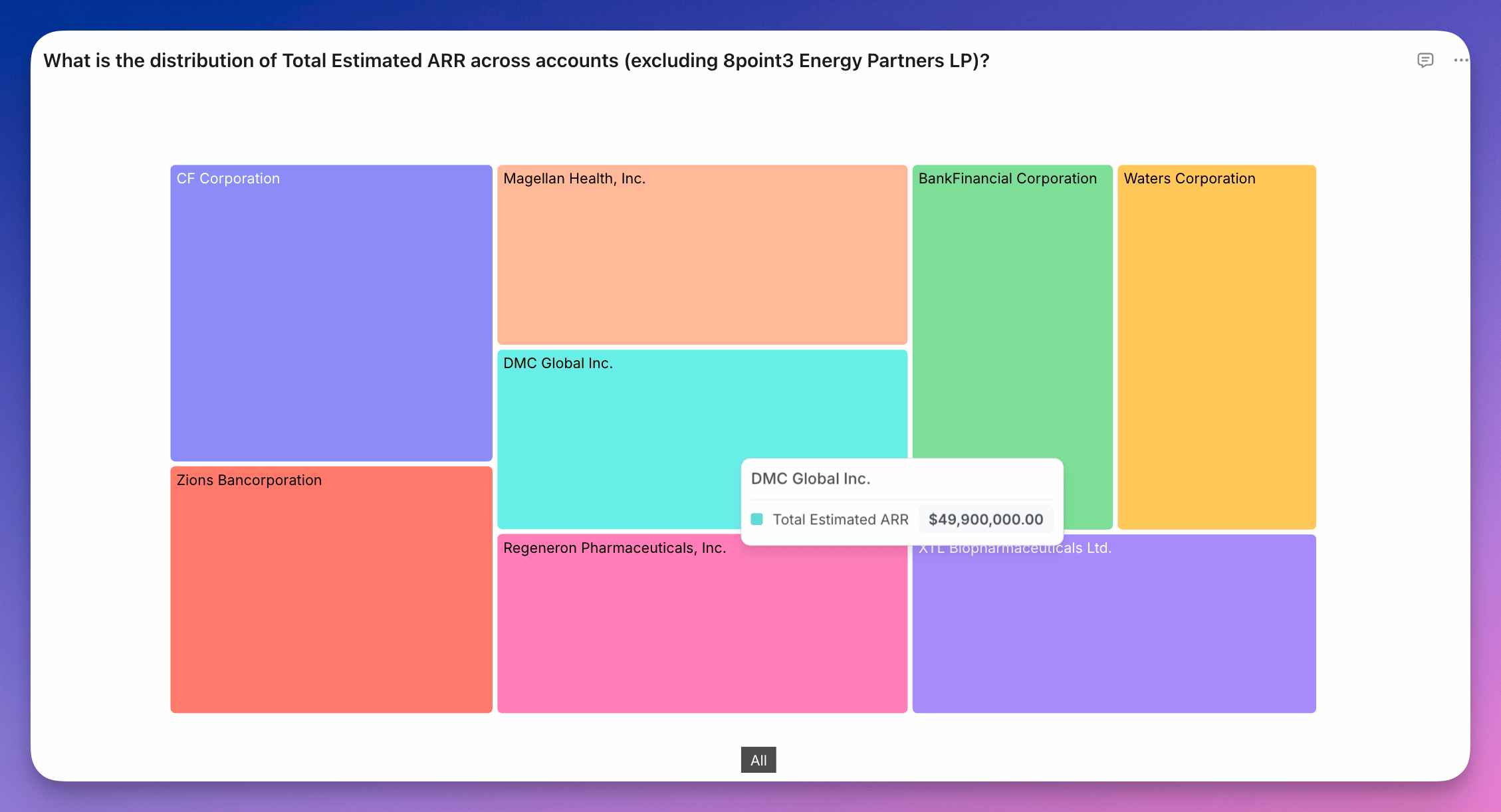
Treemaps show parts of a whole using nested rectangles. Each rectangle’s size represents the value of a metric, and dimensions define how the data is grouped and nested. You can use a single dimension or multiple and they will work as described below. One dimension: Each category becomes a rectangle, sized by the metric value.
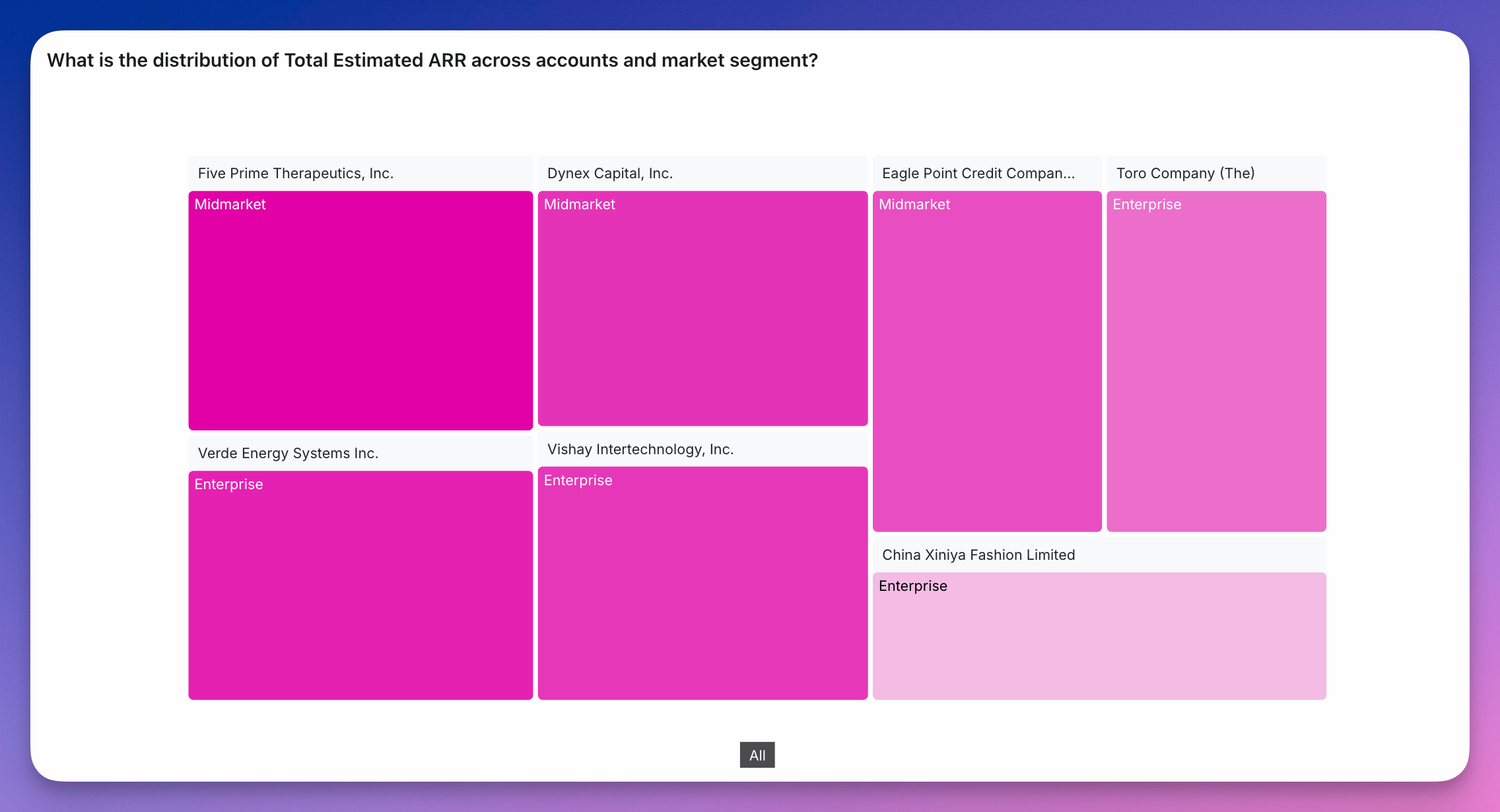
Two dimensions: Creates a hierarchy where each rectangle is split into sub-rectangles based on the second dimension.
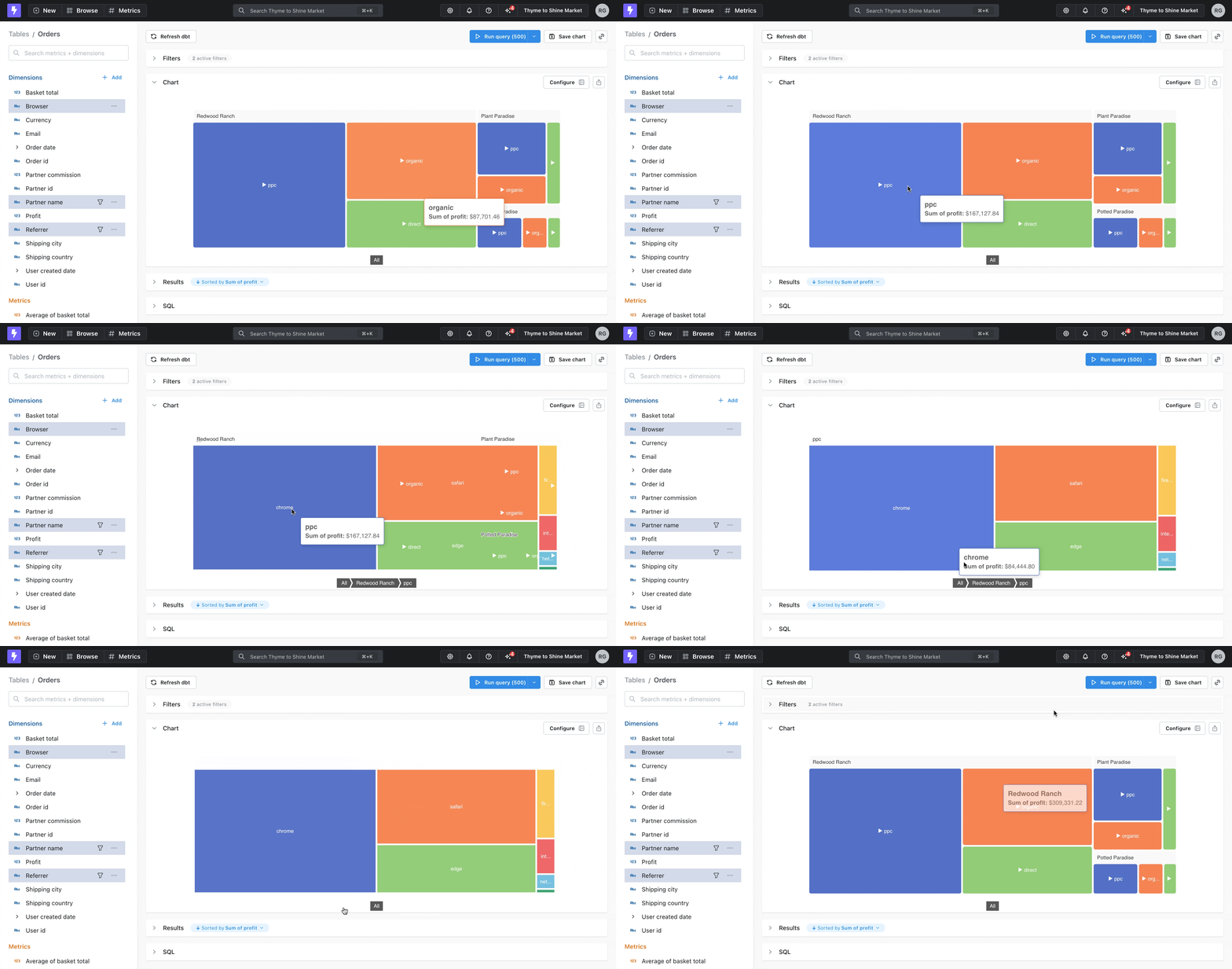
Three or more dimensions: The chart displays the top-level hierarchy. Users can click to drill down into deeper layers.
Treemaps are useful when:
  • You want to compare proportions across categories
  • You’re visualizing hierarchical data
  • Space is limited and you want a compact alternative to bar or pie charts
To create a treemap, select Treemap as the chart type and choose your dimensions.

Layout

  • Dimension hierarchy tells Lightdash how to group or nest the dimensions.
  • Size metric determines how large each section of the treemap chart is.
  • Color metric allows you to set a color scale for Highlighting each section of the treemap.

Display

  • Minimum section size determines when to start hiding sections, anything smaller than this size can be shown by zooming in.
  • Max leaf depth allows you to choose when a user needs to start drilling into sections to see the next tier, default value is 2.