The Airtable live data source reads the records of every table in one Airtable base.

Before you start

  • Base ID, starting with app, from the base’s URL.
  • A personal access token with the scopes below, from the Airtable builder hub, with access to the base.

Scopes

Connect Airtable

Add a live data source, select Airtable, and enter the Base ID and Personal access token.
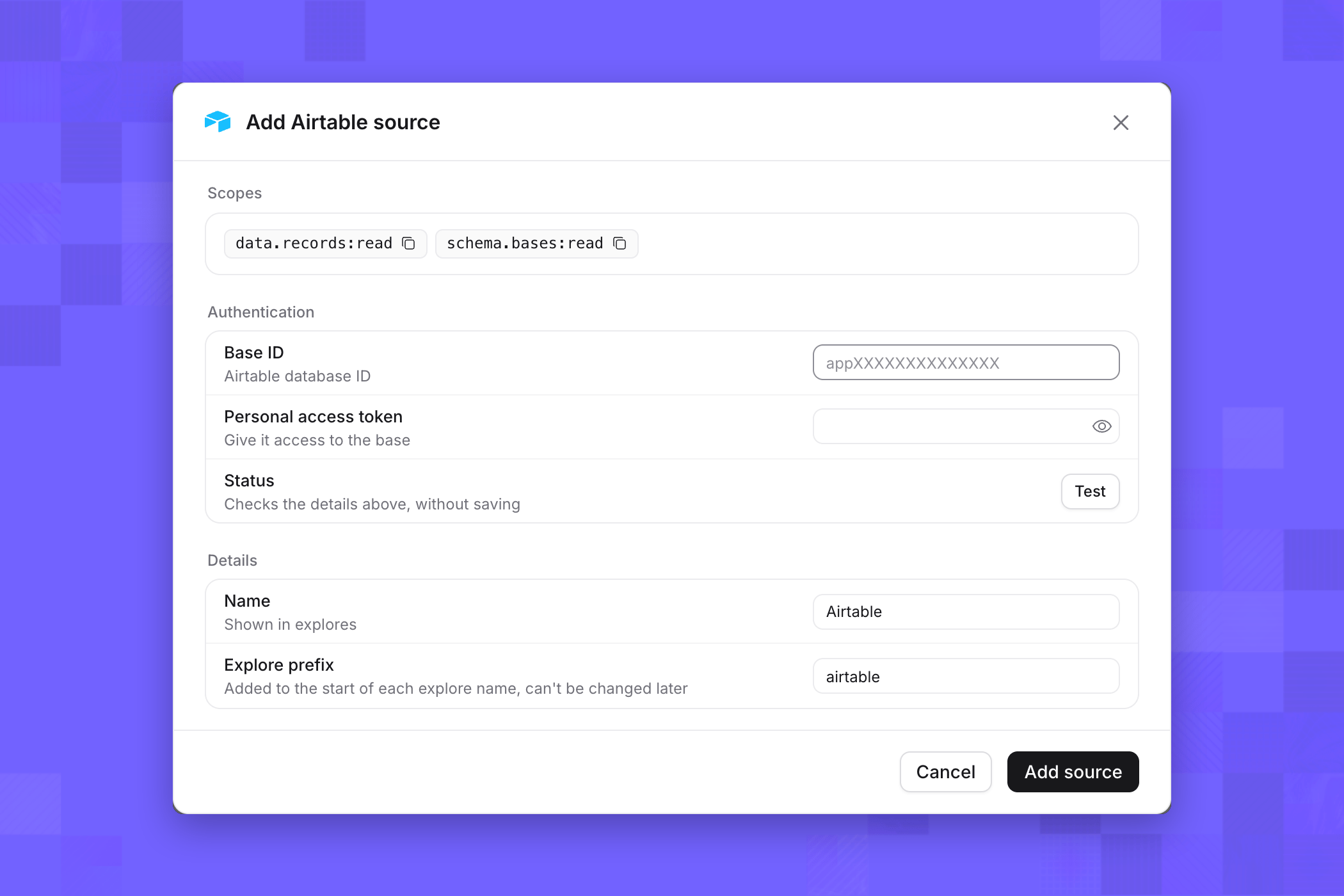
The Add Airtable source dialog with the data.records:read and schema.bases:read scopes, the Base ID and Personal access token fields and a Test button under Authentication, the Name and Explore prefix fields under Details, and the Add source button

Semantic layer

Each table in the base also gets its own explore.

Tables

The tables of an Airtable base, one row per table, with their primary field and number of fields

Limits