Multiple warehouse connections are behind the
multi-connection-projects feature flag, and the flow and wording on this page may change between releases. Contact Lightdash support to enable it for your organization. Self-hosted instances need an Enterprise license and multi-connection-projects in LIGHTDASH_ENABLE_FEATURE_FLAGS.Requirements and limits
- You need permission to manage the project.
- Only Postgres, Athena and Snowflake projects can switch, and every extra connection uses the primary’s warehouse type. You can’t change that type while extra connections exist. To mix warehouse types, see Mix warehouse types.
- Preview projects can’t switch, and neither can a project whose warehouse uses organization credentials.
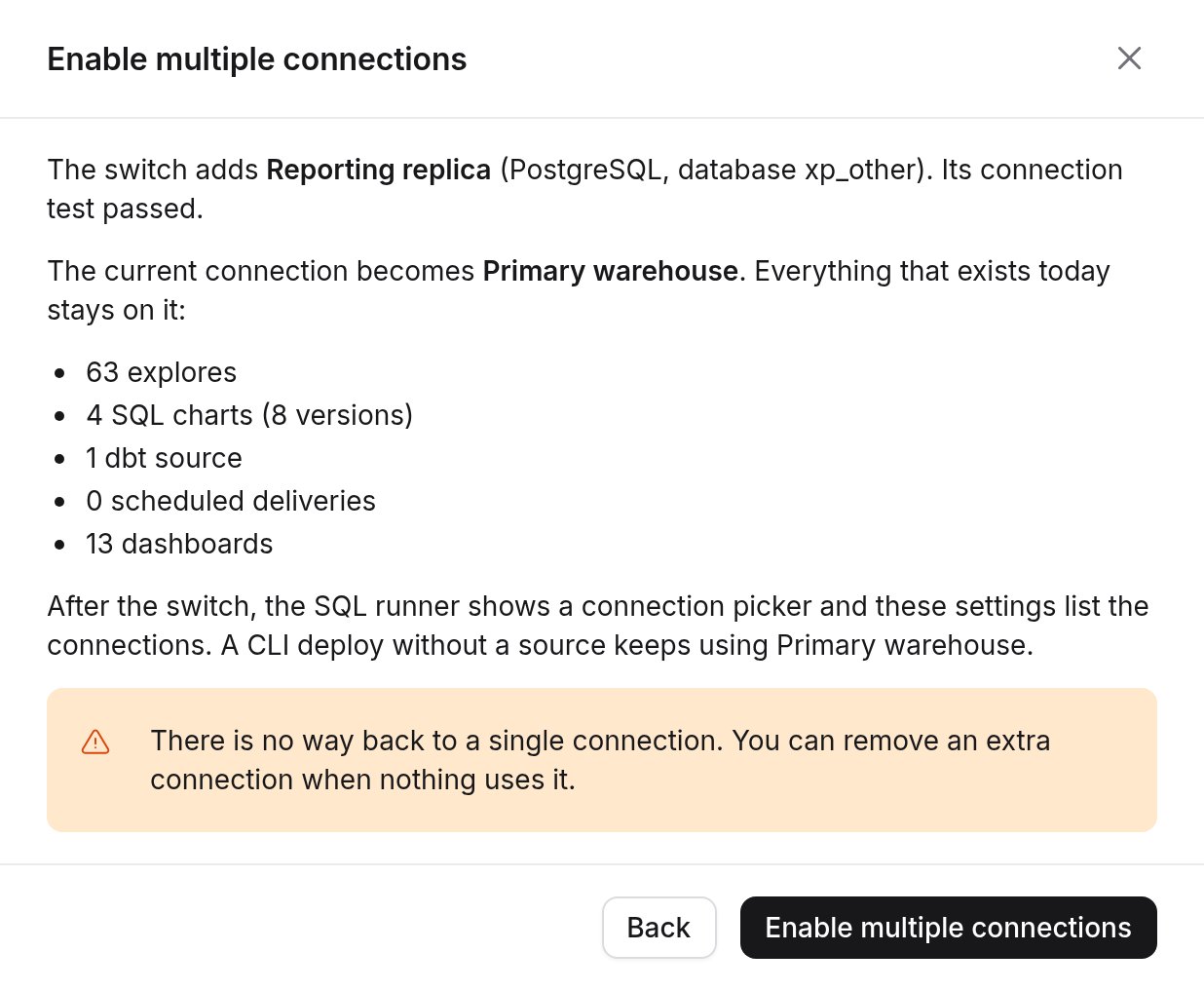
- The switch is one way. You can remove extra connections, but the app can’t switch the project back.
- One query can’t combine tables from two connections.
- When the feature flag is off, no project can switch or add a connection. Projects that already switched keep working.
Enable multiple connections
In Project settings → Connection settings, click Enable multiple connections on the Connections card. If the button is disabled, its tooltip says why.
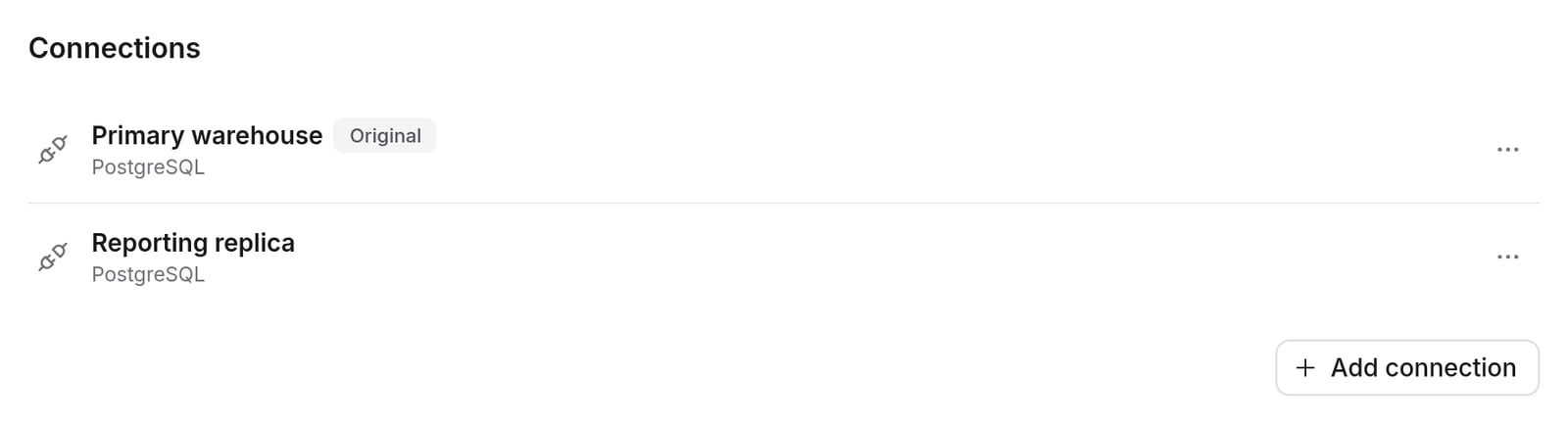
Manage connections
- Turn on List all databases to list every database the connection can read, up to 100.
- Or leave it off and add names under Additional databases.
ListDatabases for the connection’s data catalog, so the connection’s AWS credentials need permission to list databases there. Without it, listing fails with an error that starts with Failed to list databases in catalog.
Snowflake connections
Each Snowflake connection has its own account, user, role, database and warehouse. To run different workloads on different Snowflake warehouses, add one connection for each warehouse. Then pick a connection in the SQL runner, or run a dbt source on it. A model’ssnowflake_warehouse config and Always use this warehouse work on every connection the same way they work on a single-connection project.
Shared credentials or None
Two settings decide whose Snowflake login runs a query:- Require users to provide their own credentials on the primary connection. Every extra connection follows it.
- Authentication Type on the connection. None means the connection stores no Snowflake login at all.
Which to choose:
- Shared credentials, personal credentials not required: everyone can see the same data through one service user.
- Personal credentials required: Snowflake roles and access policies must apply to each person.
- None: the same as personal credentials required, and you don’t want a shared Snowflake login stored for this connection.
- On the primary connection, turn on Require users to provide their own credentials and save. If this setting is off, None isn’t in the Authentication Type list.
- Each person adds their own Snowflake credentials for the connection in the credentials switcher in the navigation bar. They can use Password, Key Pair (private key file) or User Account (Sign in with Snowflake). The sign-in option needs Snowflake OAuth on the instance. Self-hosted instances set it up with the Snowflake environment variables.
Mix warehouse types
Mixing warehouse types needs a second feature flag,
mixed-warehouse-connections, on top of multi-connection-projects. Contact Lightdash support to enable it. Self-hosted instances add mixed-warehouse-connections to LIGHTDASH_ENABLE_FEATURE_FLAGS.Set it up
- Switch the project to multiple connections, as described in Enable multiple connections. Any warehouse type can be the primary.
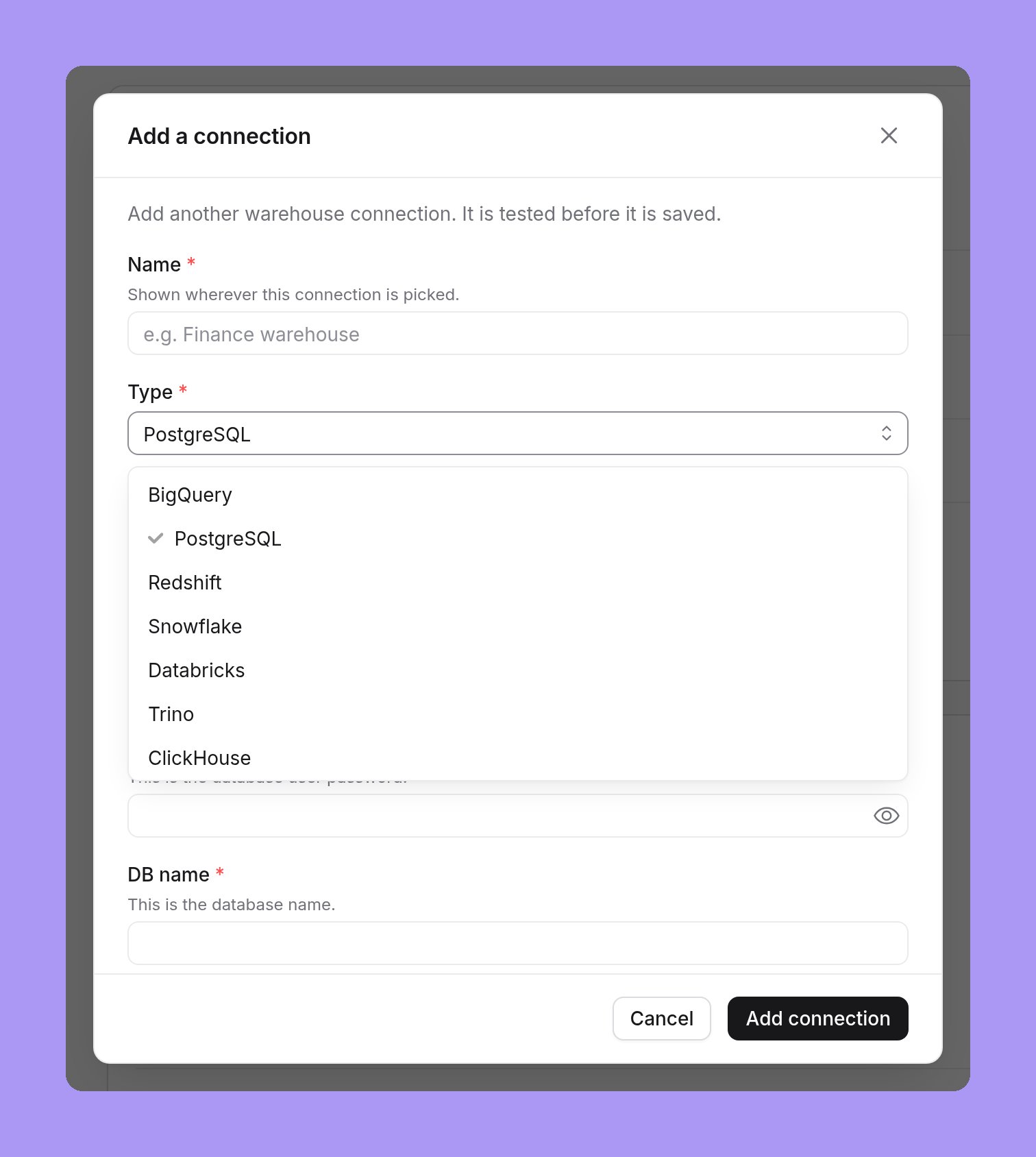
- Click Add connection, then pick the warehouse in the Type list.
- Fill in the connection details. Lightdash tests the connection before it saves it.
- Run a dbt source on the new connection. See Run a dbt source on another connection.
Requirements
- The
multi-connection-projectsandmixed-warehouse-connectionsfeature flags, and on self-hosted instances an Enterprise license. - Supported warehouse types: BigQuery, ClickHouse, Databricks, DuckDB (MotherDuck and DuckLake), Postgres, Redshift, Snowflake, Trino and Athena.
- The connection’s warehouse type can’t change after you add it. To use another type, add a new connection and move the dbt source to it.
Limits
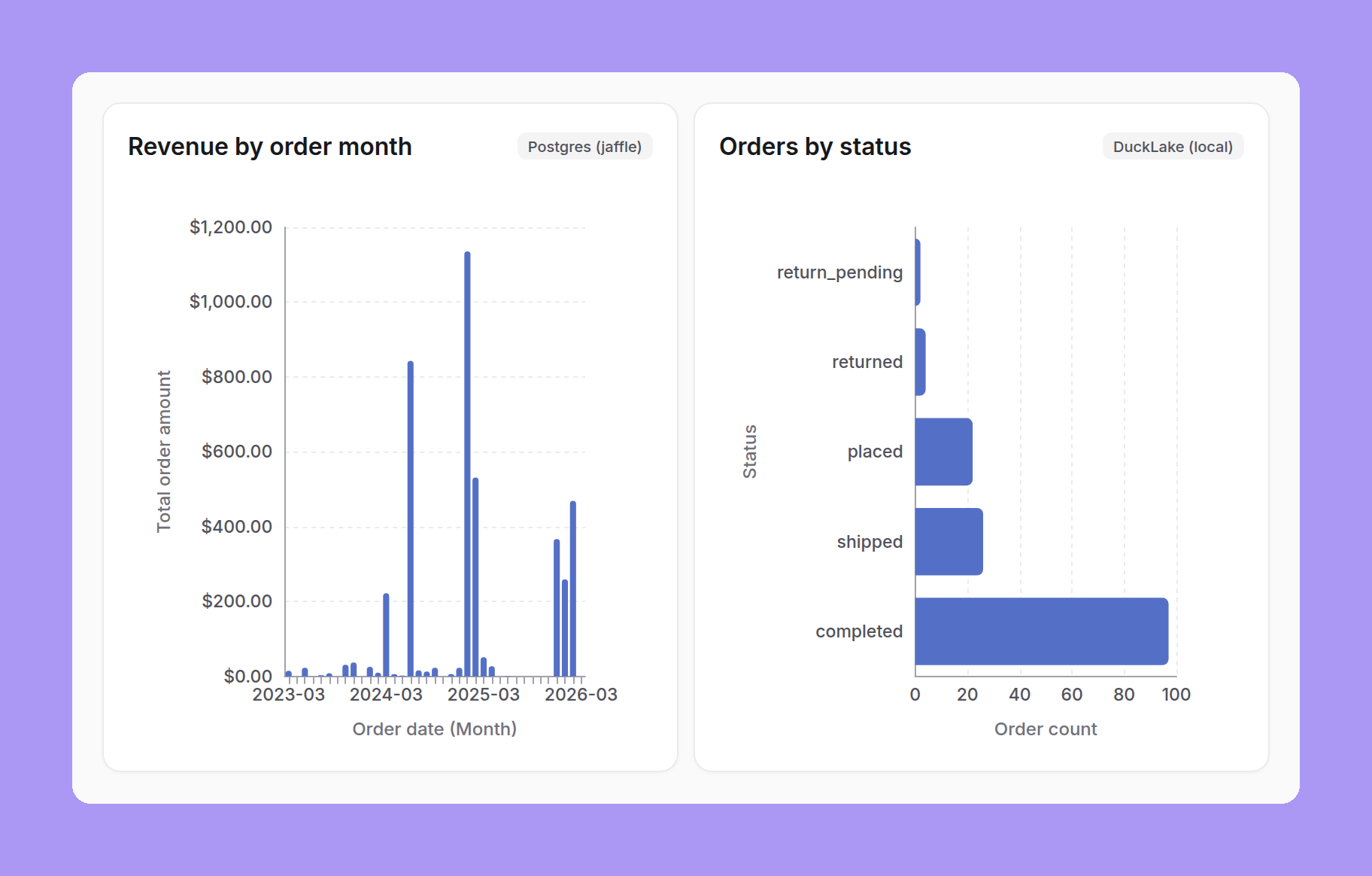
- One query, one connection. A join between models on different connections is skipped, and the explore shows a warning that names both connections. To combine results from two warehouses, use merge queries.
- dbt refs stay on one connection. With cross-project refs between sources, a dbt source can only
refmodels from sources on the same connection. - Shared credentials for compiling. An extra connection compiles dbt with its shared credentials. BigQuery SSO and Redshift browser IAM sign-in can’t be used on an extra connection.
- Personal credentials per connection. An extra connection of another warehouse type doesn’t follow the primary’s Require users to provide their own credentials setting. Turn it on in that connection’s advanced settings. A Snowflake connection with None authentication needs it on.
- SQL runner databases is available for Postgres and Athena connections only.
- AI agents know about every connection and its dialect, but the agent’s raw SQL tool runs on the primary connection.
- Week start in dashboard filters. Dashboard-wide filters use the primary connection’s week start in the filter bar. Each tile’s query uses its own connection’s week start.
- When the
mixed-warehouse-connectionsflag is off, only same-type connections can be added. Connections that already exist keep working.
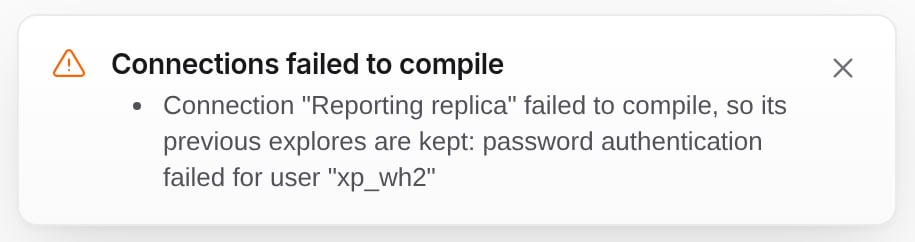
Errors you may see
Run a dbt source on another connection
The primary dbt source always runs on the primary connection. Each additional dbt source can run on any connection, and its explores move on the next compile.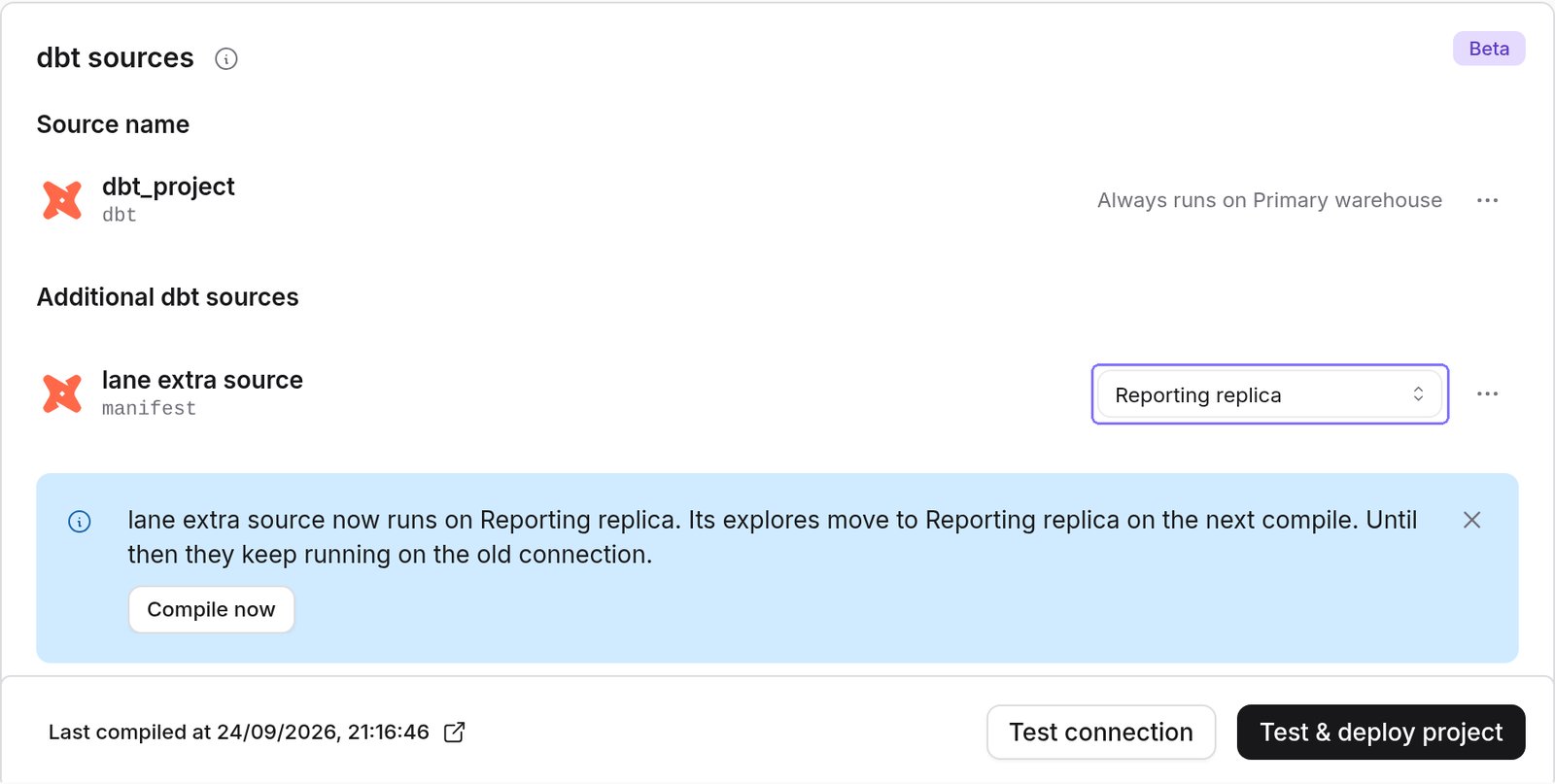
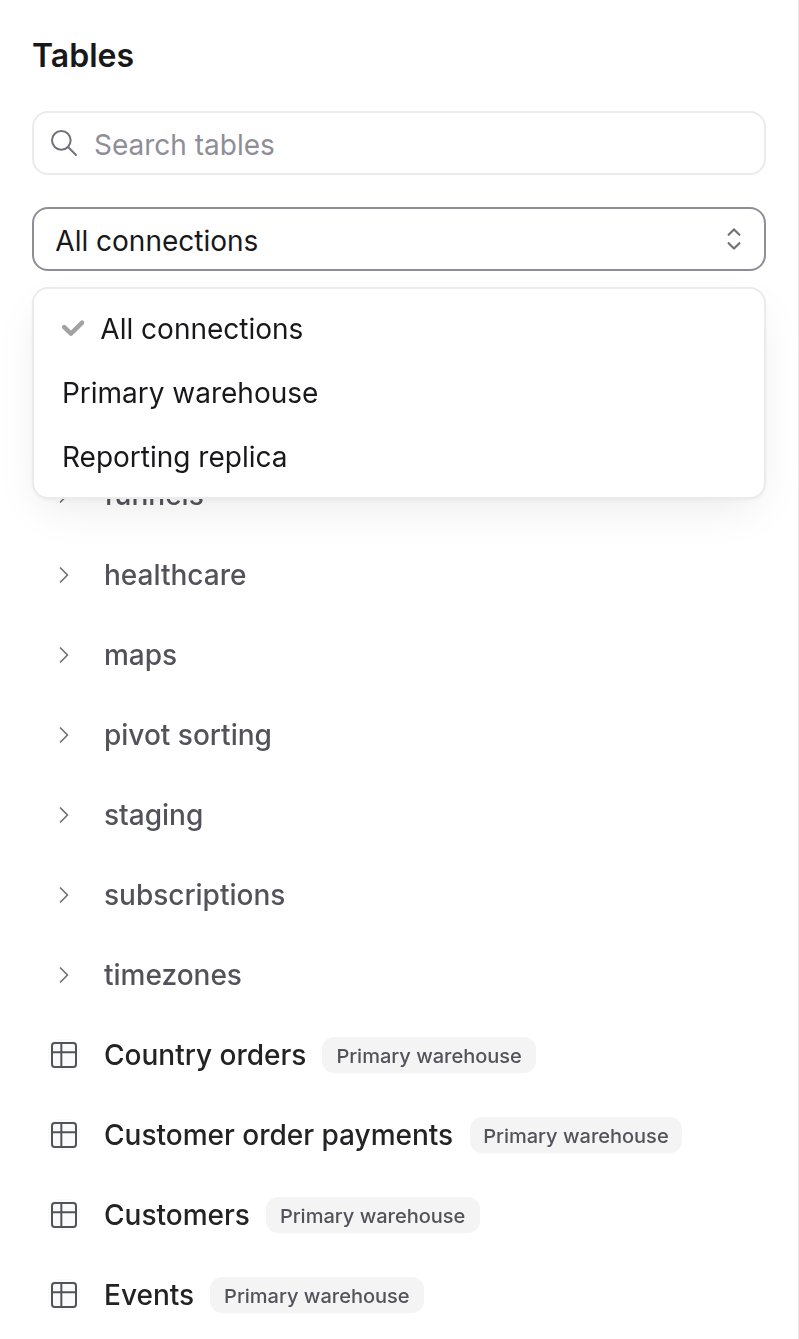
Query a connection in the SQL runner

Explores, charts and dashboards
Personal warehouse credentials
Extra connections of the primary’s warehouse type follow the primary’s Require users to provide their own credentials setting. With mixed warehouse types, an extra connection of another type has its own setting. When it is on, people need personal credentials for each connection they query, and the credentials switcher in the navigation bar has one section per connection.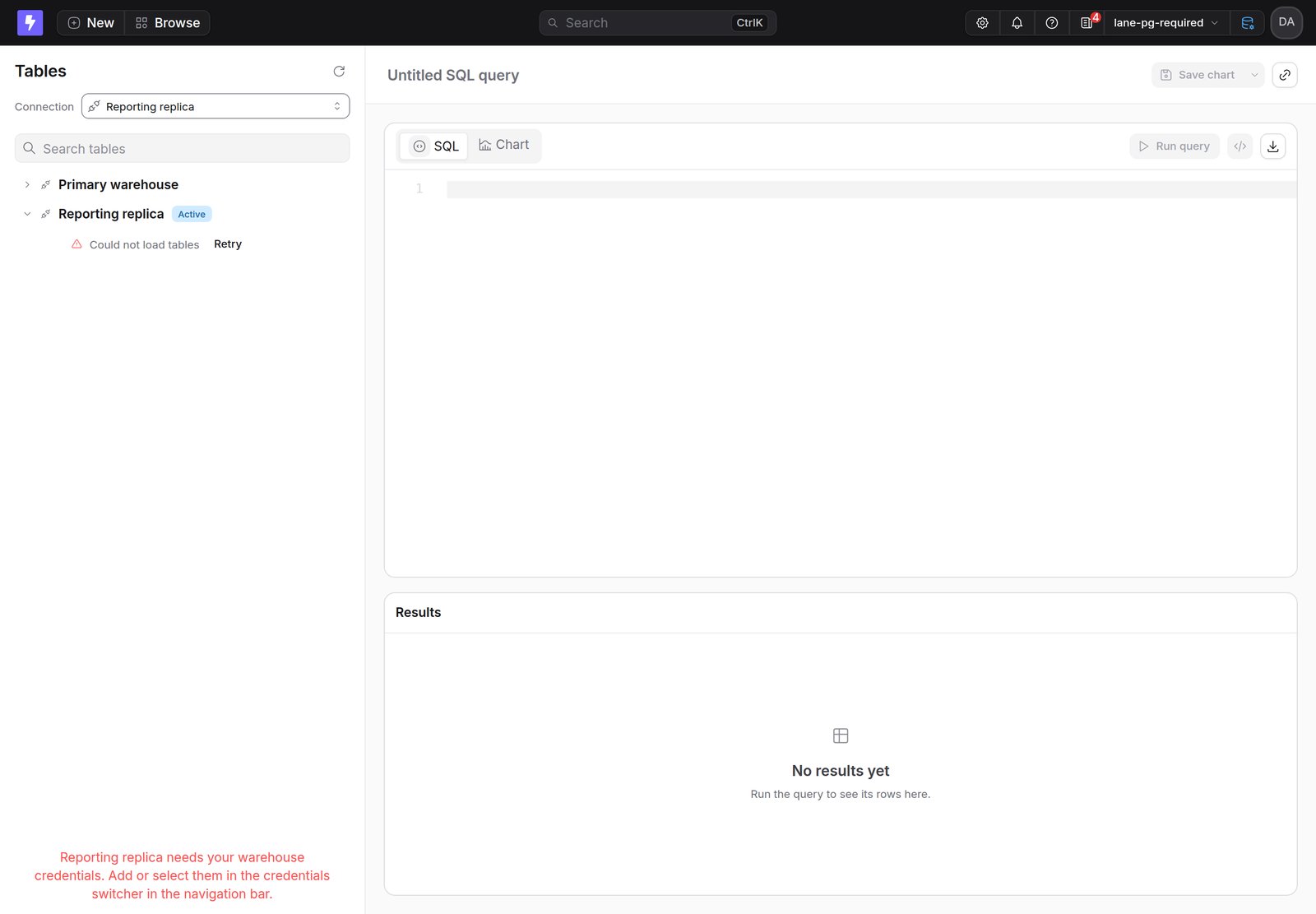
Deploy from the CLI
lightdash deploy without a source deploys to the primary connection. To deploy explores to an extra connection, name the dbt source that runs there:
lightdash preview and lightdash start-preview take the same flag, and lightdash config set-source stores a default. The deploy stops if your dbt target’s database doesn’t match the connection. See the CLI reference.
Preview projects copy every connection, and their explores and SQL charts use the copies.
Content as code and promotion
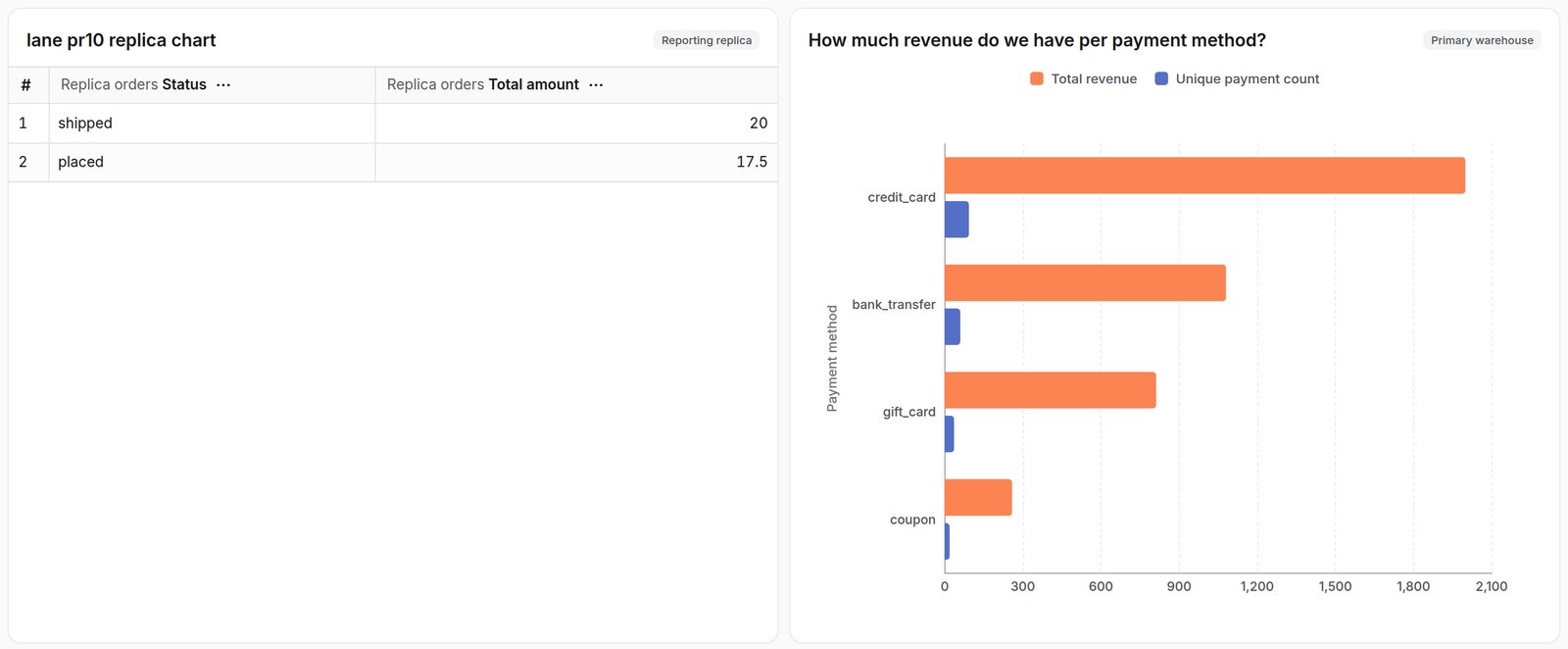
SQL charts and virtual views on an extra connection download with the connection’s name, for exampleconnection: Reporting replica. Content on the primary has no connection: field.
An upload can’t move content to another connection. A file that names another connection, or drops the field, fails:
Remove a connection
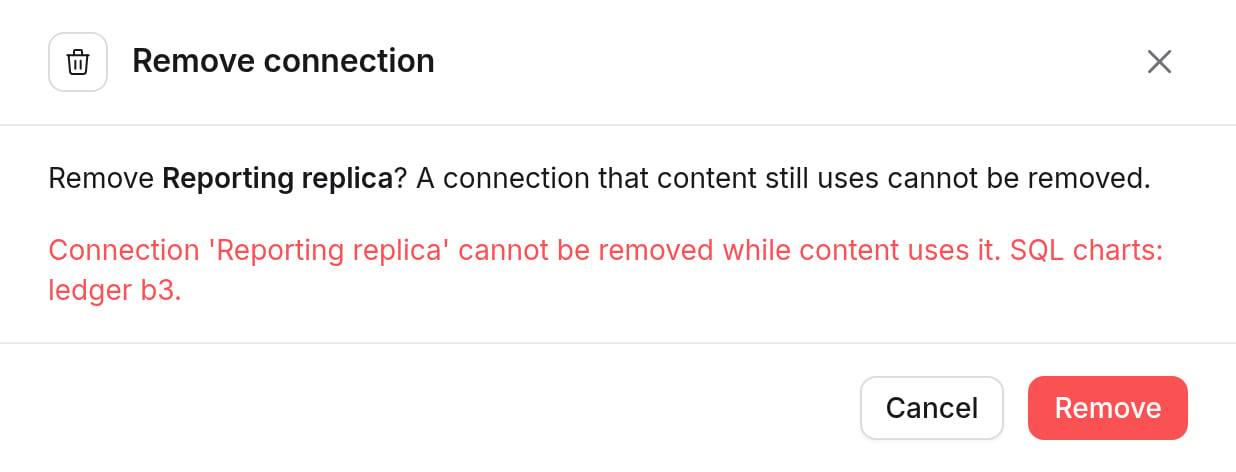
You can remove an extra connection only when no explores, dbt sources, SQL charts or running queries use it. The primary can’t be removed. Move that content first, or contact Lightdash support if you can’t. When the last extra connection goes, the project works like a single-connection project again.