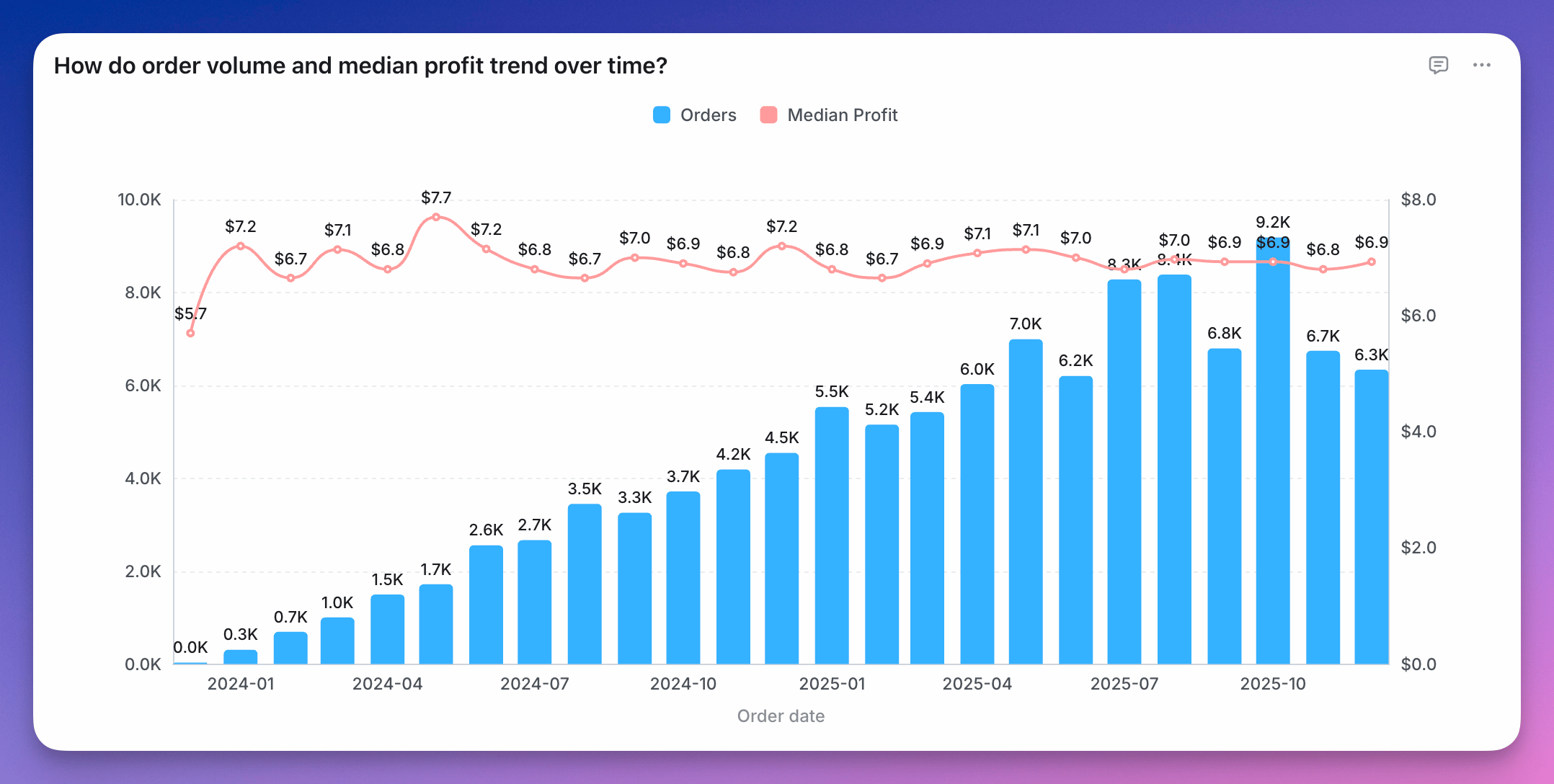
A mixed chart combining bars and a line on the same axes, with each series drawn in a different chart type
You can combine bars, line, and scatter charts on the same chart using a Mixed chart. To use a Mixed chart, you’ll need to start with either a line, scatter or horizontal bar chart type and have two or more series on your chart. Either from having two or more fields selected for your y-axis or from having a group with two or more groups. Once you have the series you want on your chart, you can pick and choose the different chart types you’d like for each series in the series tab of the Configure space.
A group applies to every series on the chart, so each metric is split by the group dimension. You can’t group one series and leave another ungrouped, for example a stacked bar split by supplier with a single total line. To show both, build the grouped chart and the ungrouped total as two charts and place them side by side on a dashboard.
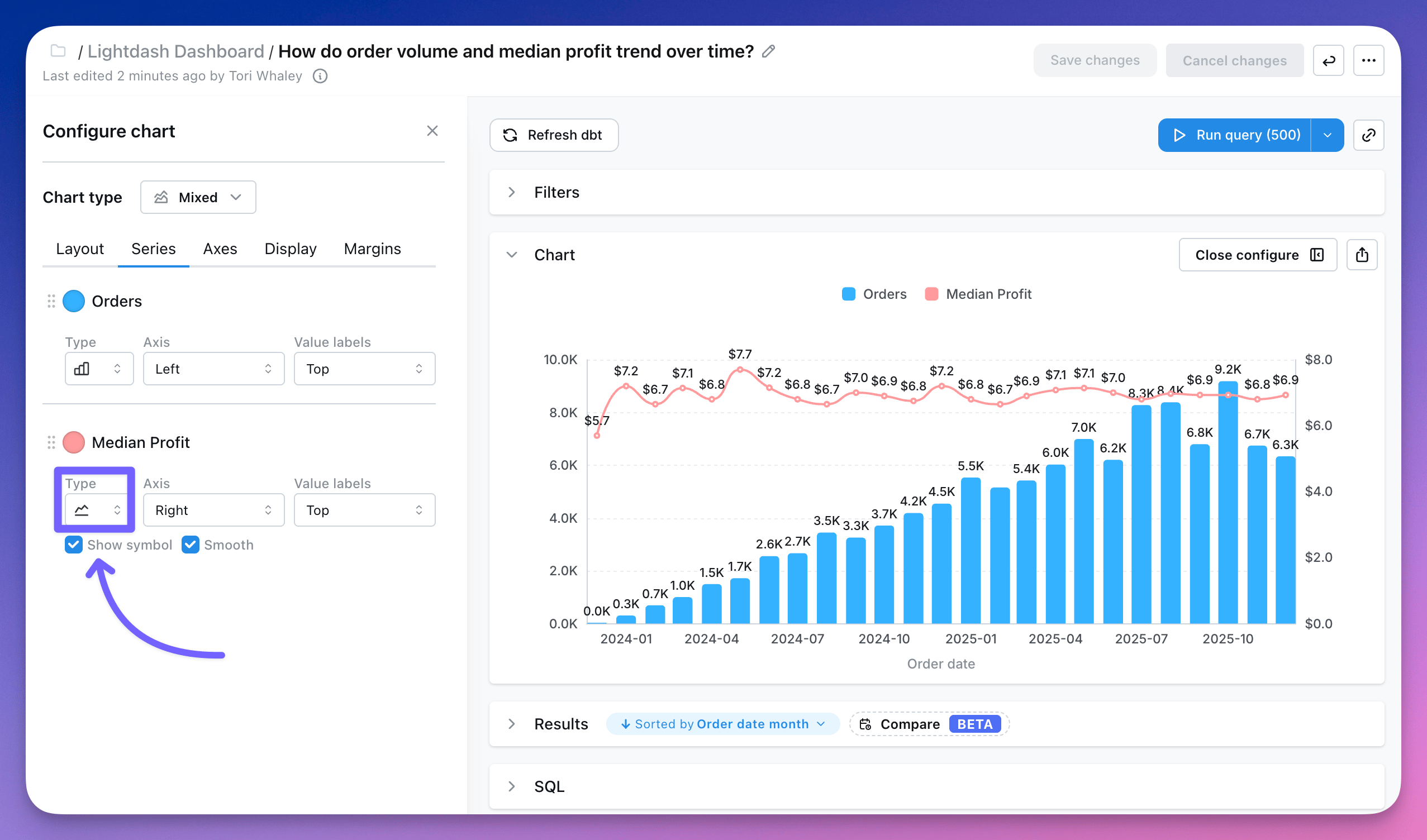
The Series tab of the Configure panel, where each series has its own chart type drop-down set to bar or line
You can see more details about mixed chart configurations here.