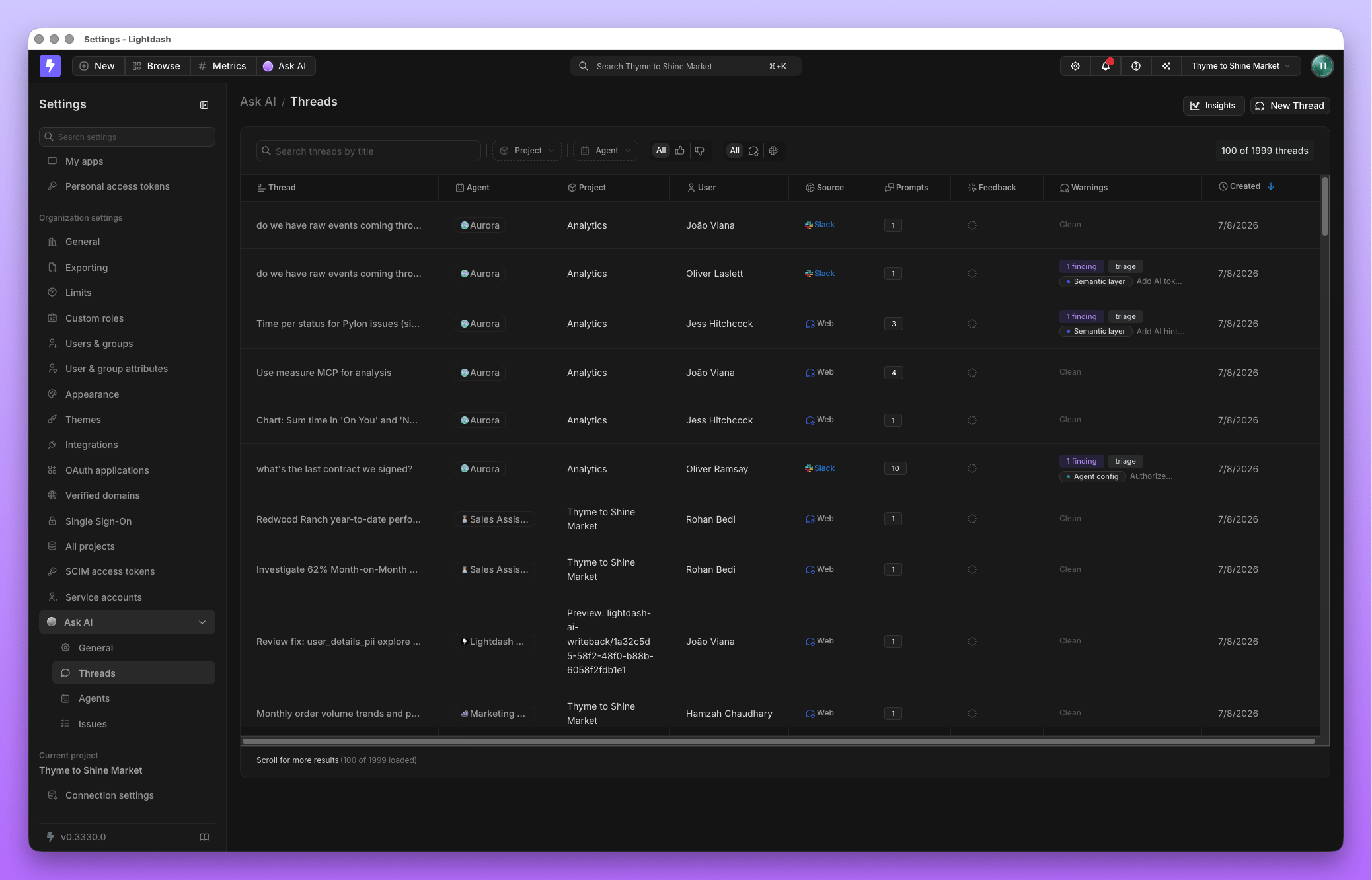
Thread activity
Every agent conversation, in the Lightdash app or Slack, is visible to admins under Threads. It’s the same record the person who asked the question sees: their question, the agent’s answer, and the query behind it. Admins use it to understand how agents are actually being used, and to pull real conversations into Evaluations as test cases.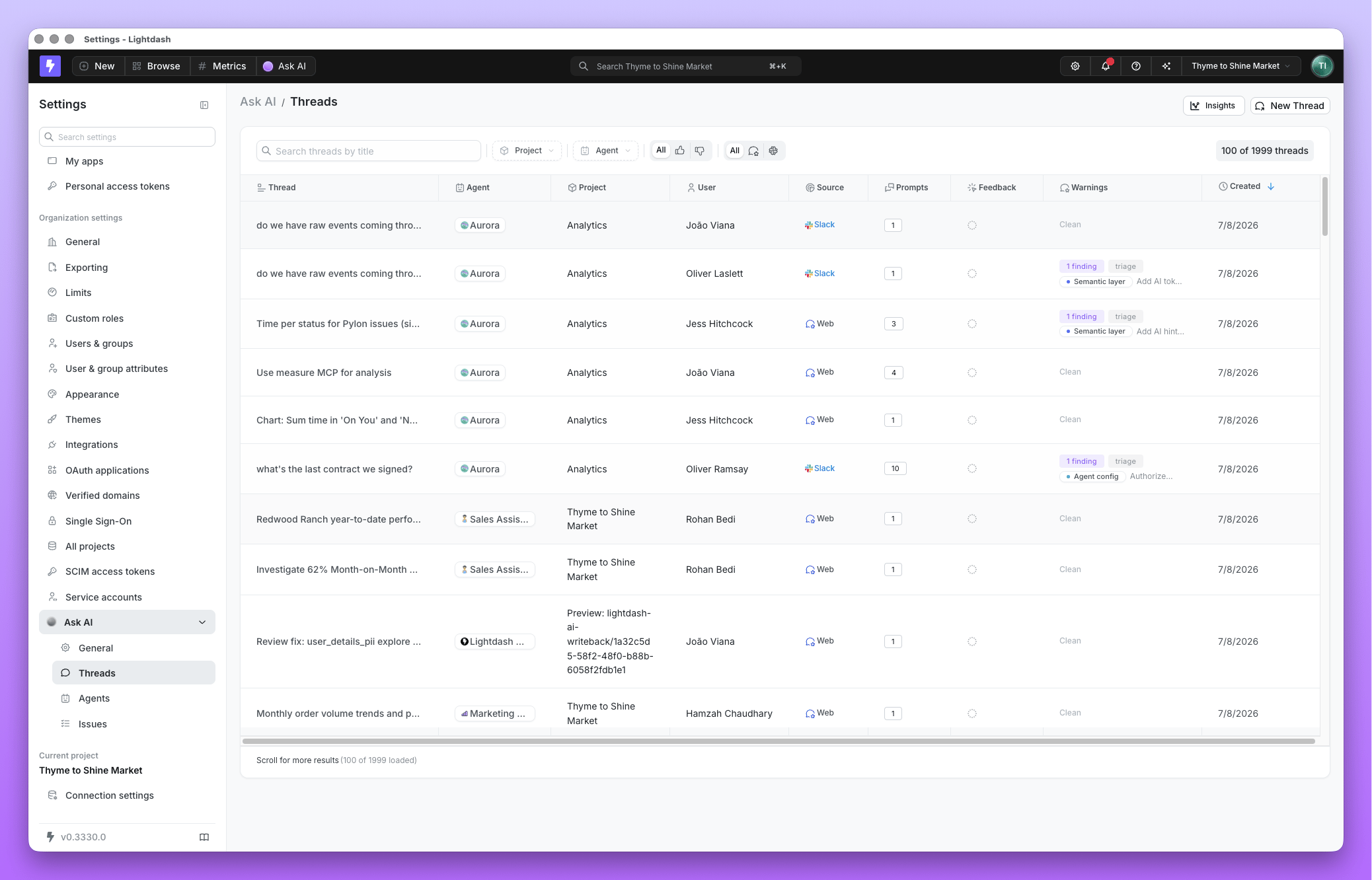
Pull thread data with the API
To load agent conversations into your warehouse or another tool, call the Lightdash API with a personal access token:GET /api/v1/aiAgents/admin/threadslists threads across the projects you manage, with the same scope as Threads. Filter withprojectUuids,agentUuids,userUuids,createdFrom,humanScore,dateFrom,dateToandsearch. It returns 50 threads per page by default; usepageandpageSizeto page through.GET /api/v1/projects/{projectUuid}/aiAgents/{agentUuid}/threads/{threadUuid}returns a thread’s messages. Each answer carries its feedback (humanScore,humanFeedback), its token usage (tokenUsage) and its artifacts, whosesavedQueryUuidandsavedDashboardUuididentify charts and dashboards saved from the thread.GET /api/v1/projects/{projectUuid}/aiAgents/{agentUuid}/threadslists only your own threads with that agent. AddallUsers=trueto list everyone’s, which needs permission to manage the agent.
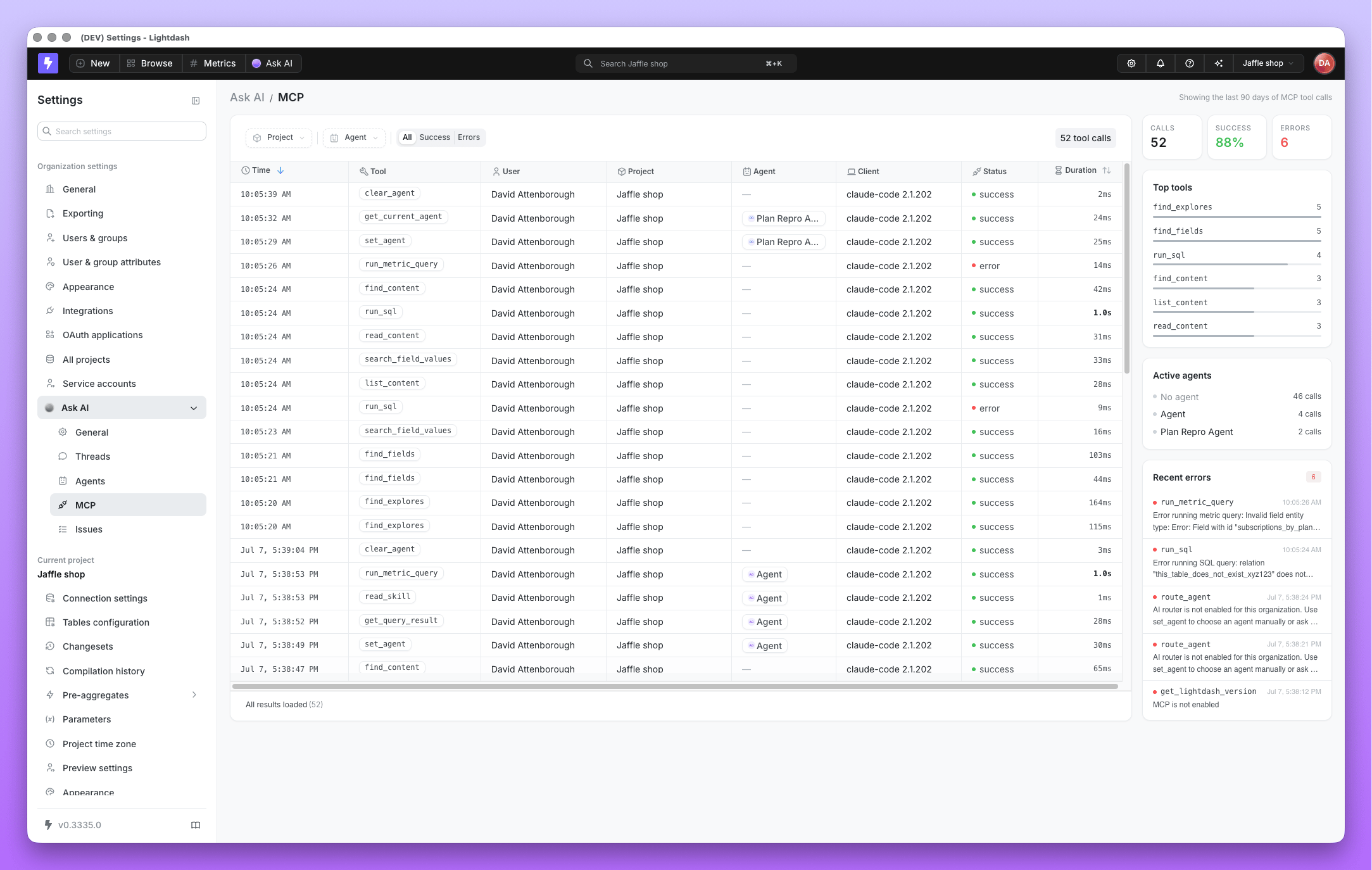
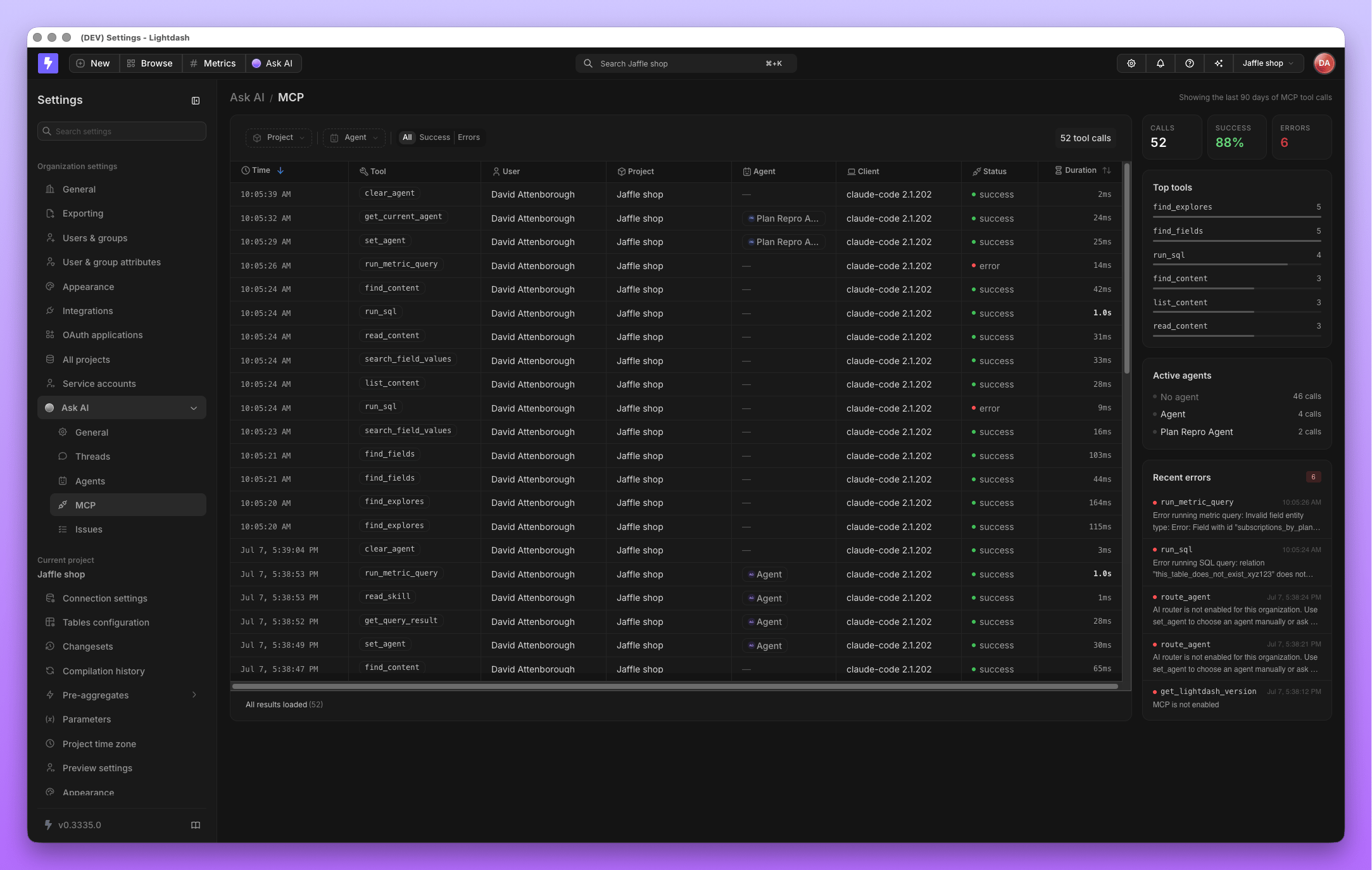
MCP activity
The MCP → Analytics page covers both directions of MCP activity: external assistants calling tools on the Lightdash MCP server, and Lightdash agents calling tools on connected external MCP servers. Admins can see what was called, by whom, and whether it succeeded.