

Enterprise Direct access is available with a valid Enterprise Edition (EE) license. No feature flag or organization-level enablement is required. Recipients must be active members of the organization with access to the project.
Manage direct access
You need effective Full access to the content to manage its direct assignments. This can come from an organization, project, space, or direct content role. A personal data app’s creator can also manage its sharing. Can edit alone does not let you manage sharing.- Open the dashboard, independently saved chart, saved SQL chart, or data app and select Share. On a dashboard, open the three-dot menu (
…) to find it. - In Share with, select a user or group. Users must already have project access; groups must have access to the project.
- Choose Can view, Can edit, or Full access, then click Share.
- Send the recipient the content’s URL, or direct them to Shared with me.
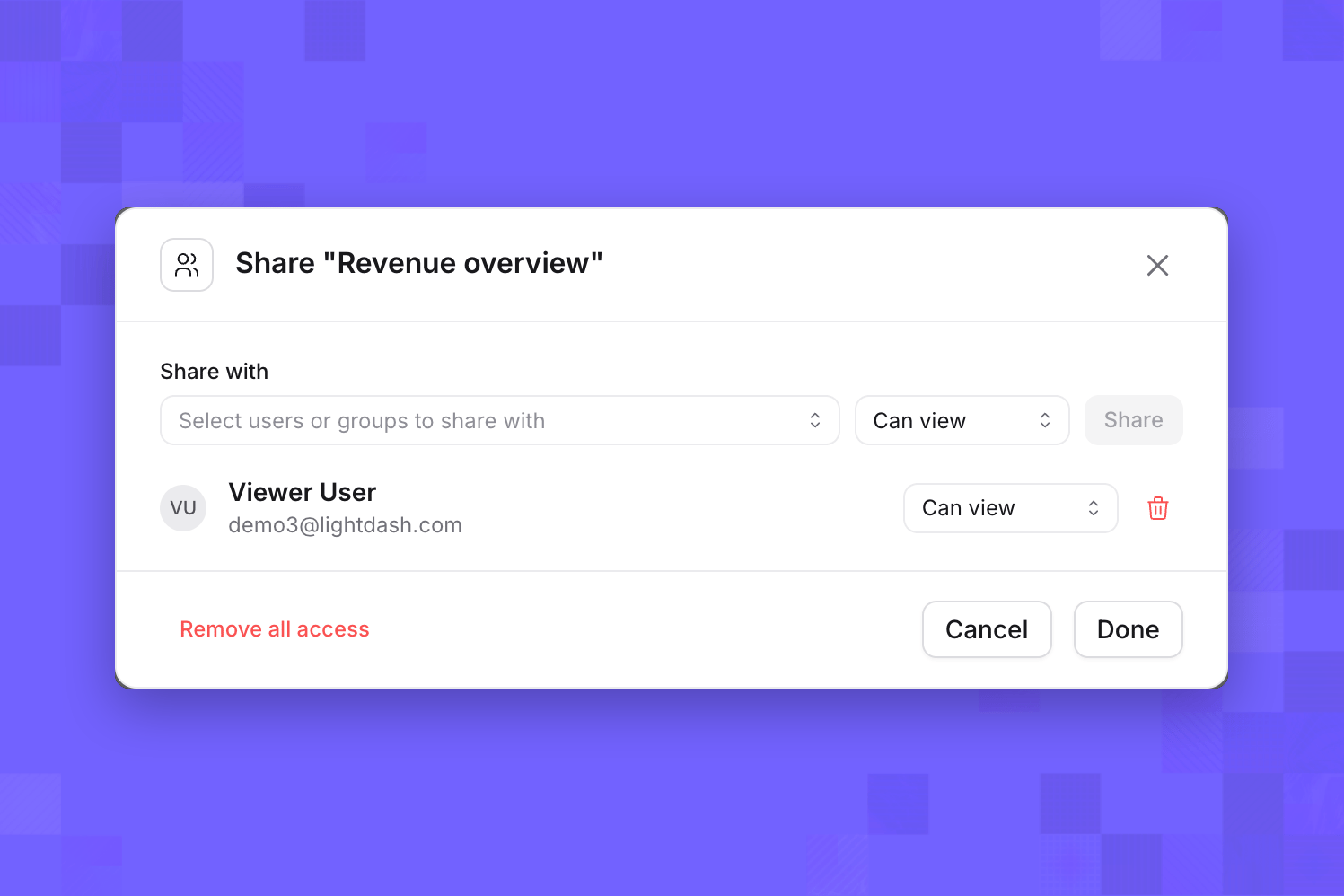
A user with direct Can view access to Revenue overview
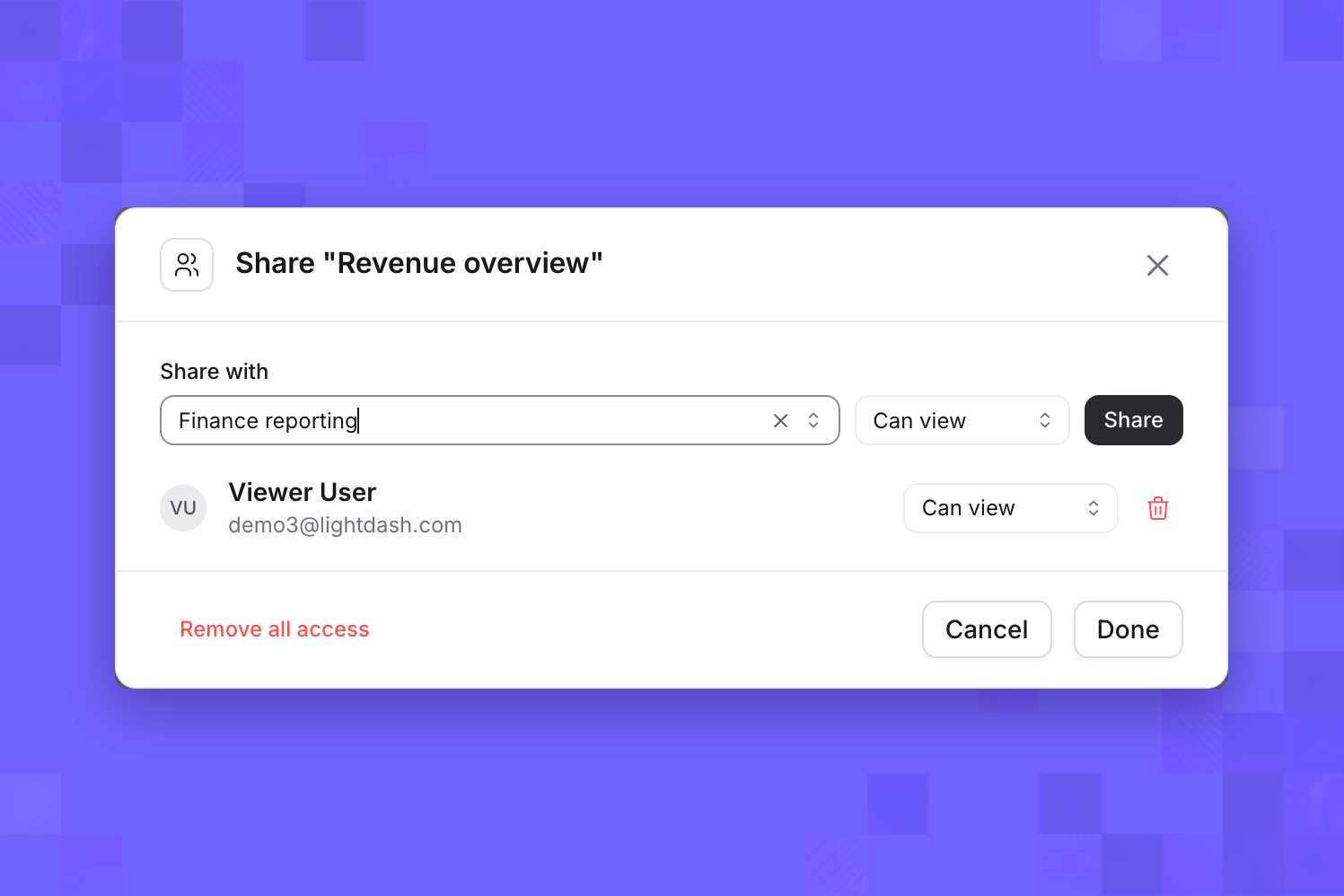
Selecting a project group to share with
Change a role
To change an assignment, choose another role beside the user or group. Changes are saved as you make them; Done closes the dialog.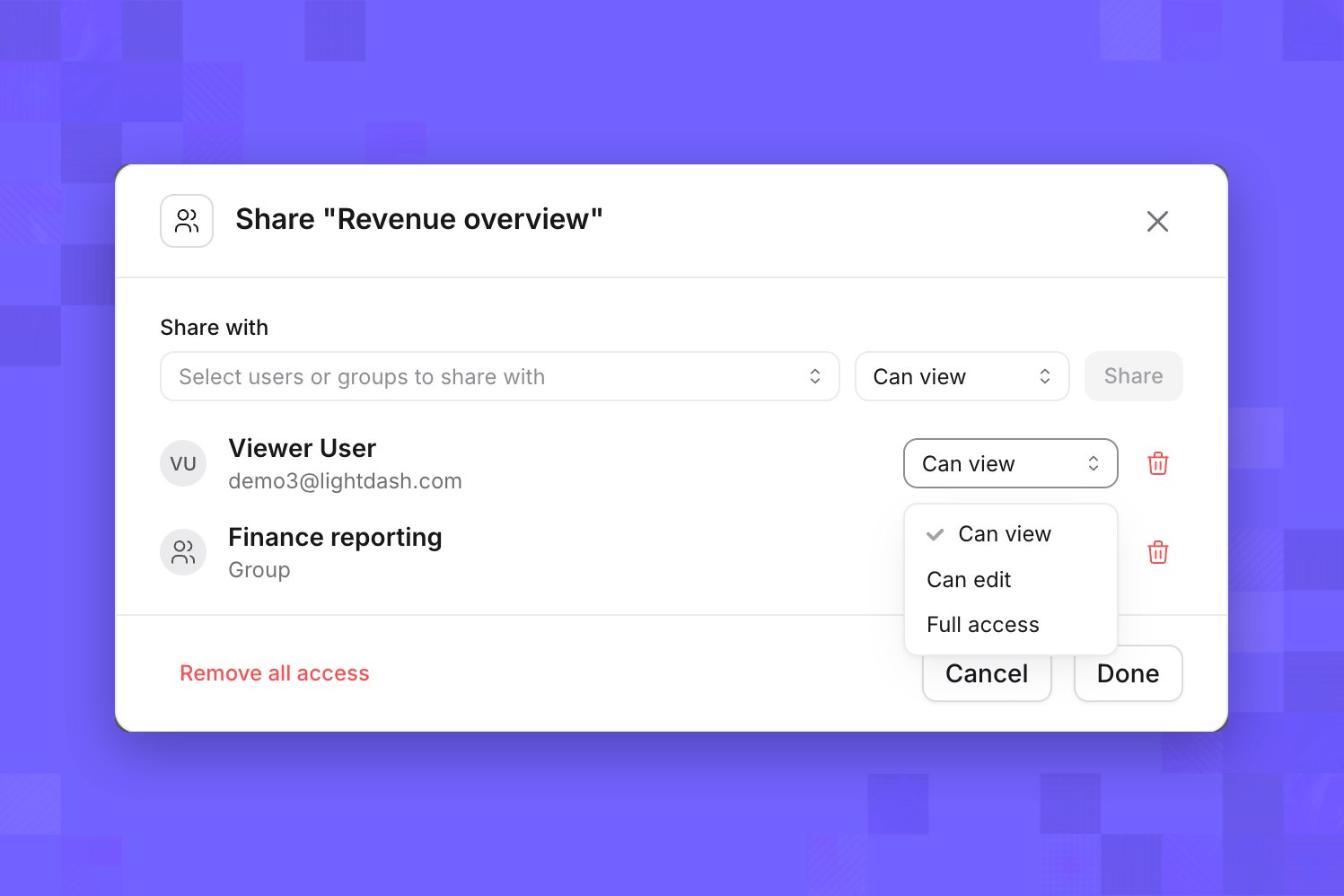
Revoke access
To revoke one assignment, click its Remove access trash icon. Remove all access removes all direct assignments on this item. Removing your own assignment or all assignments asks for confirmation because you may lose access yourself.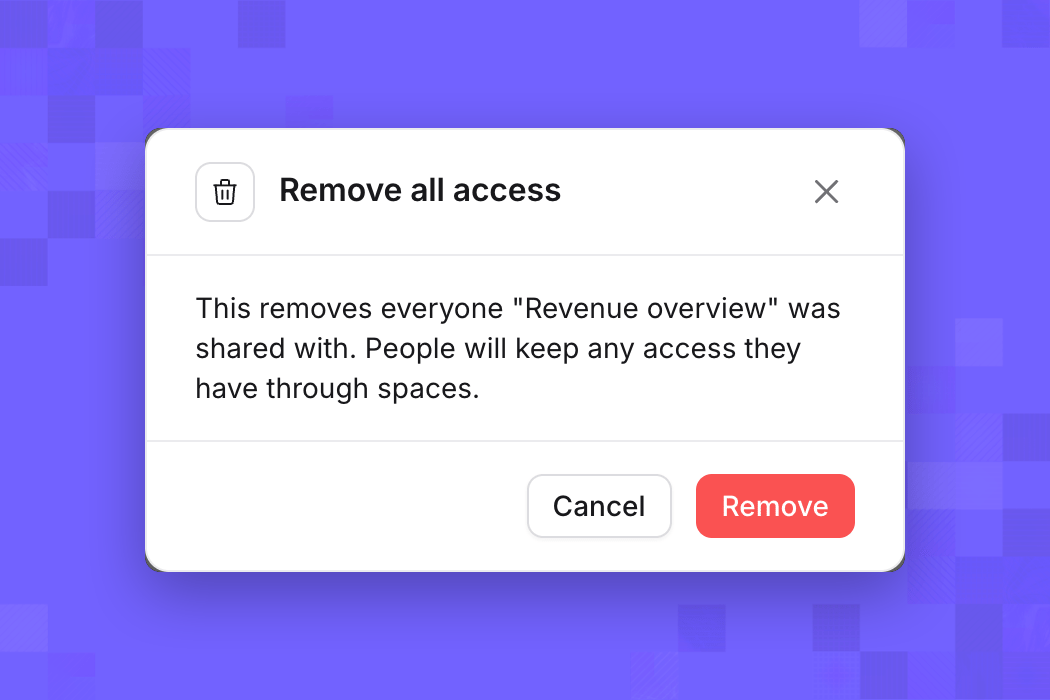
The Share dialog lists direct assignments, not everyone who can access the content. Removing an assignment leaves any access the recipient has through another user, group, space, project, or organization role.
How roles combine
Direct roles add access to one item. They do not reduce permissions from another source or change the user’s project role.
For dashboards, Can edit includes adding and removing tiles, but does not grant permission to delete the dashboard itself. Full access also grants dashboard deletion, subject to existing project permissions and content protections. Neither role grants separate permissions to restore or permanently delete content from Recently deleted.
This distinction applies to direct dashboard assignments. Existing space-editor permissions are unchanged: a user with direct Can edit can still delete a dashboard if another applicable role grants deletion. Existing direct editors without another qualifying permission need Full access to continue deleting dashboards.
Lightdash combines applicable inherited access, direct user assignments, and direct group assignments. The highest applicable content role wins. For example, a user with Can view directly and Can edit through a group can edit. Removing the user assignment does not remove their group access.
A content role does not supply missing project capabilities. For example, granting Can edit to a project Viewer does not give them access to the Explore view. Custom roles, data permissions, user attributes, and row-level filters still apply. See roles and permissions for project capabilities.
What a grant covers
For example, a Revenue overview dashboard in a restricted Finance space contains an owned revenue chart and a reusable Customer detail chart saved separately. Sharing the dashboard lets the recipient view the dashboard and its owned chart. They still need separate access to Customer detail. They cannot browse Finance or open its other dashboards through this grant.
A dashboard grant does not grant access to independent saved charts, saved SQL charts, data apps, or external connections referenced by its tiles. Share independent content separately and check its prerequisites. Direct access also does not expand the data a user can query.
Find shared content
Open the project’s spaces page and select Shared with me to find content shared directly with you or one of your groups. You can also open a direct URL. Search includes directly accessible content among its supported result types; it does not make unrelated content in a restricted space accessible.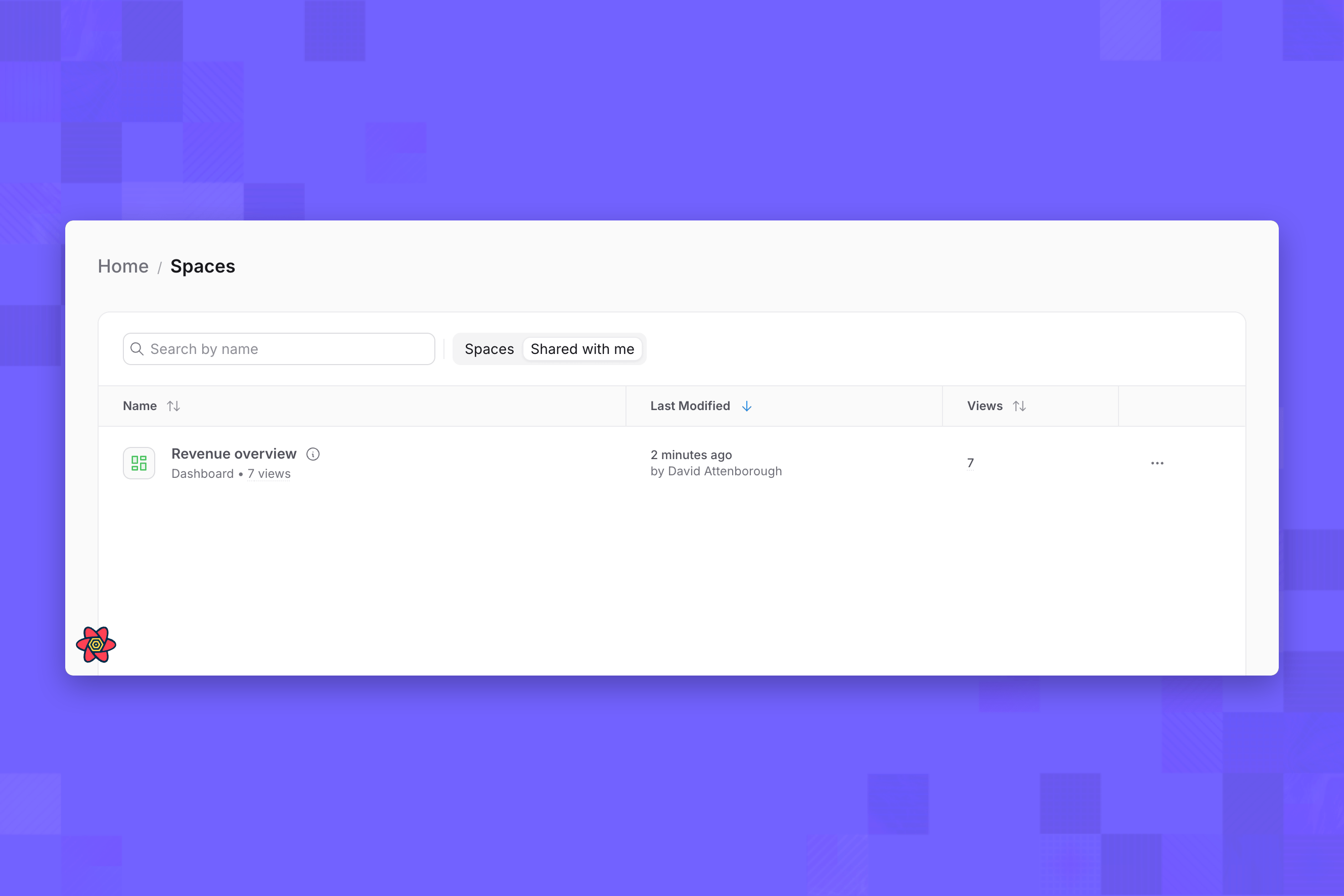
Shared with me for a member who cannot browse the containing space
Content and membership changes
For exports and scheduled deliveries, the user’s permissions and access to the originating content still apply. A direct role does not grant unrestricted exporting, scheduling, or access to delivery integrations.
Direct access, public links, and embedding
Direct access is authenticated sharing with existing project members. Copying a URL does not invite someone to the project or make content public. Public dashboard links and embedding use separate access controls. Direct user or group assignments do not authorize an embed JWT; configure embedded access through the embedding settings and token contract.Access API
The project-scoped v2 API manages the same direct assignments as the Share dialog. It requires a valid EE license and permission to manage direct access on the target item, including when listing assignments. The base path is:dashboard, chart, sqlChart, or app for resourceType.
principalType is user or group; principalUuid identifies an existing eligible user or group. API roles are viewer, editor, and admin, corresponding to the three roles above. Requests do not create project membership.