

Beta Autopilot is available on Enterprise and Cloud Pro plans only. What Beta means.
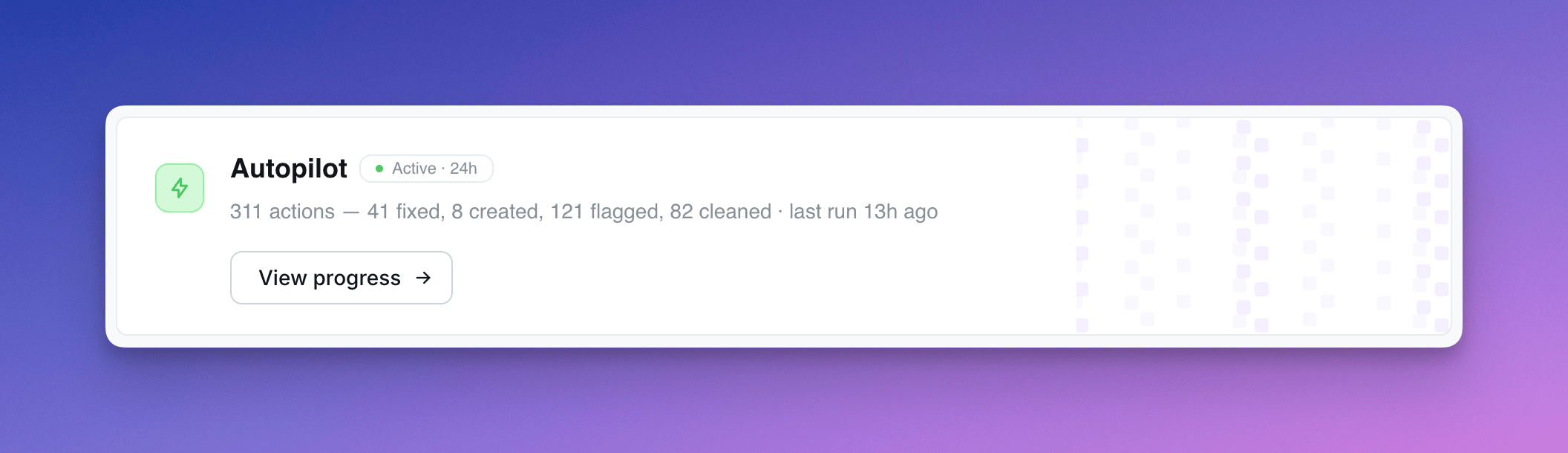
What Autopilot does
Each run, Autopilot works through a fixed checklist:
Every action is recorded in the activity log with a description of why Autopilot did it.
Action types
Each row in the activity log is tagged with one of:- Auto-fixed — broken chart Autopilot fixed itself
- Cleaned up — content soft-deleted (admins can restore)
- Suggested — new chart drafted for review
- Flagged stale / broken / slow — recorded for review; future runs may escalate (e.g. soft-delete a stale flag that’s been ignored for 24h+)
- Insight — observation about popular content
Safety rules
Autopilot is conservative by default:- Never touches content less than 30 days old
- Never soft-deletes a chart that’s the only chart on a dashboard
- Never modifies content it created itself (slugs prefixed
agent-) - Prefers flagging over deleting when in doubt
- Soft-delete only — admins can restore from the trash
- Reverses its own actions if it detects a mistake on the next run
Setup
Autopilot is configured per project from the project Home page. Schedule — choose how often it runs (every 6 hours, daily, etc.). Permissions — three capability toggles:- Read content (always on) — reads project health signals, recent actions, and chart definitions
- Create content — drafts new chart suggestions in the “Agent Suggestions” space
- Modify existing content — soft-deletes stale content, fixes broken charts, reverses its own past actions
Autopilot assumes the role of the user who set it up — every action it takes runs with that user’s permissions and is attributed to them.
AI provider and usage
These instructions describe the AI SDK runtime. For self-hosted provider
configuration and upgrading from earlier releases, see
Autopilot setup.
managed-agent, with the
provider, model, project, and run ID. key_management distinguishes
self-managed from lightdash-managed; an instance key can also be
self-managed. Compare token usage with your provider’s billing records to
reconcile charges. Missing provider usage and older run IDs remain unknown.
Reviewing activity
The Autopilot activity page shows every action across runs, with a sidebar that surfaces:- Affected chart or dashboard context (space, last modified, views, verification status)
- Validation error details for broken content
- Execution time for slow queries
- Chart-as-code definition for suggested charts
- Autopilot’s reasoning for the action
Only users with Developer or Admin project access can view Autopilot’s activity log.