> ## Documentation Index
> Fetch the complete documentation index at: https://docs.lightdash.com/llms.txt
> Use this file to discover all available pages before exploring further.
# Visualizations
> Every chart type available in Lightdash and when to reach for each one
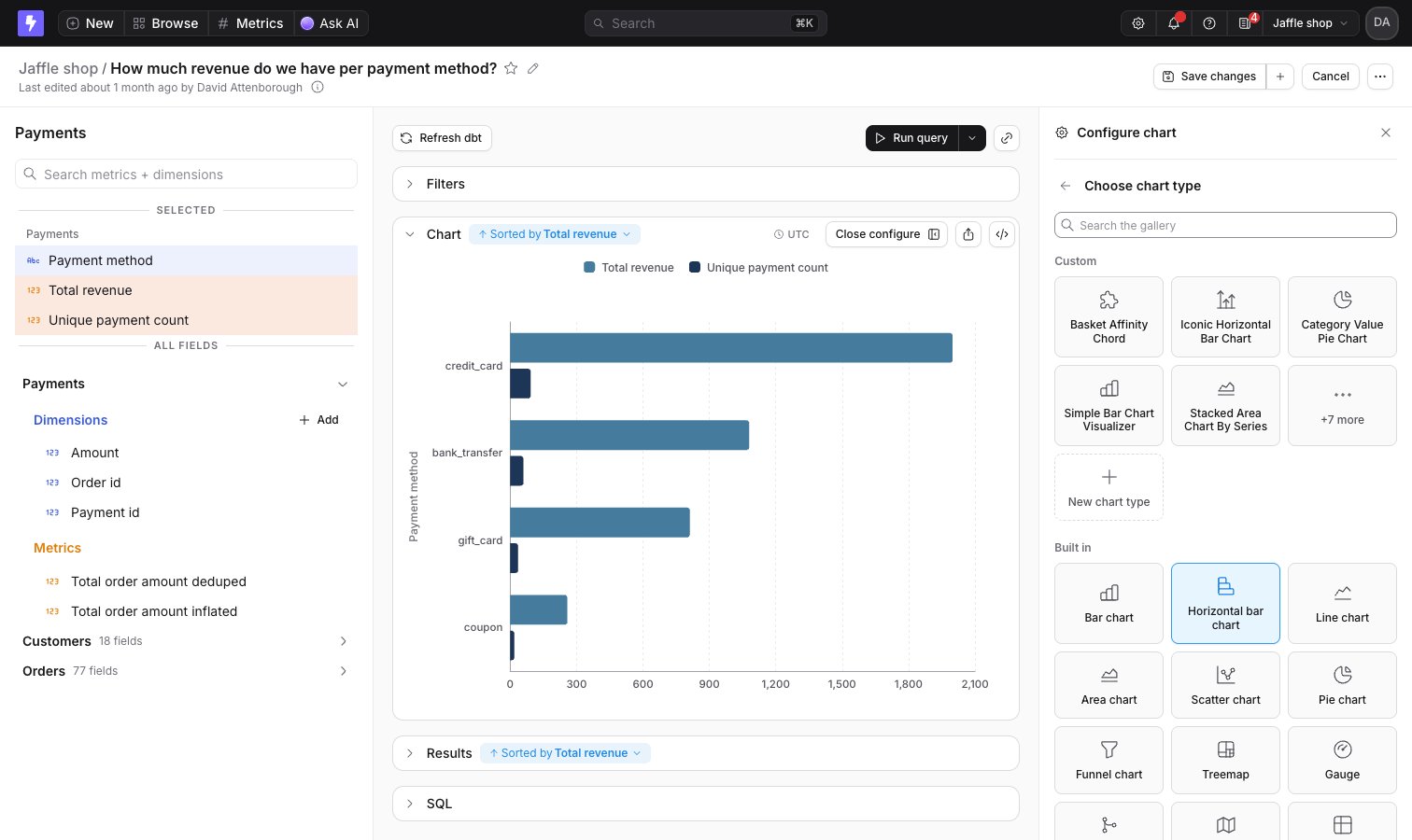
Lightdash ships with **built-in chart types** — bar, line, pie, table, and more — that cover most use cases. Each built-in chart has its own configuration options you can adjust in the **Configure** sidebar.
When built-in charts aren't enough, you have two ways to build custom visualizations:
* **[Vega-configured charts](/visualizations/vega)** — one-off charts written as a Vega-Lite spec in a JSON editor. The spec belongs to that chart alone and isn't reusable elsewhere.
* **[Chart Studio](/visualizations/chart-studio)** — build a completely new, reusable chart type. Describe the chart you want, Lightdash builds it, and anyone in the project can use it like a built-in chart type.
You can also install ready-made chart types from the **[chart library](/visualizations/chart-library)** — a catalog of chart types built by Lightdash using Chart Studio. Instead of building from scratch, install one and start using it immediately.
## Picking a chart type
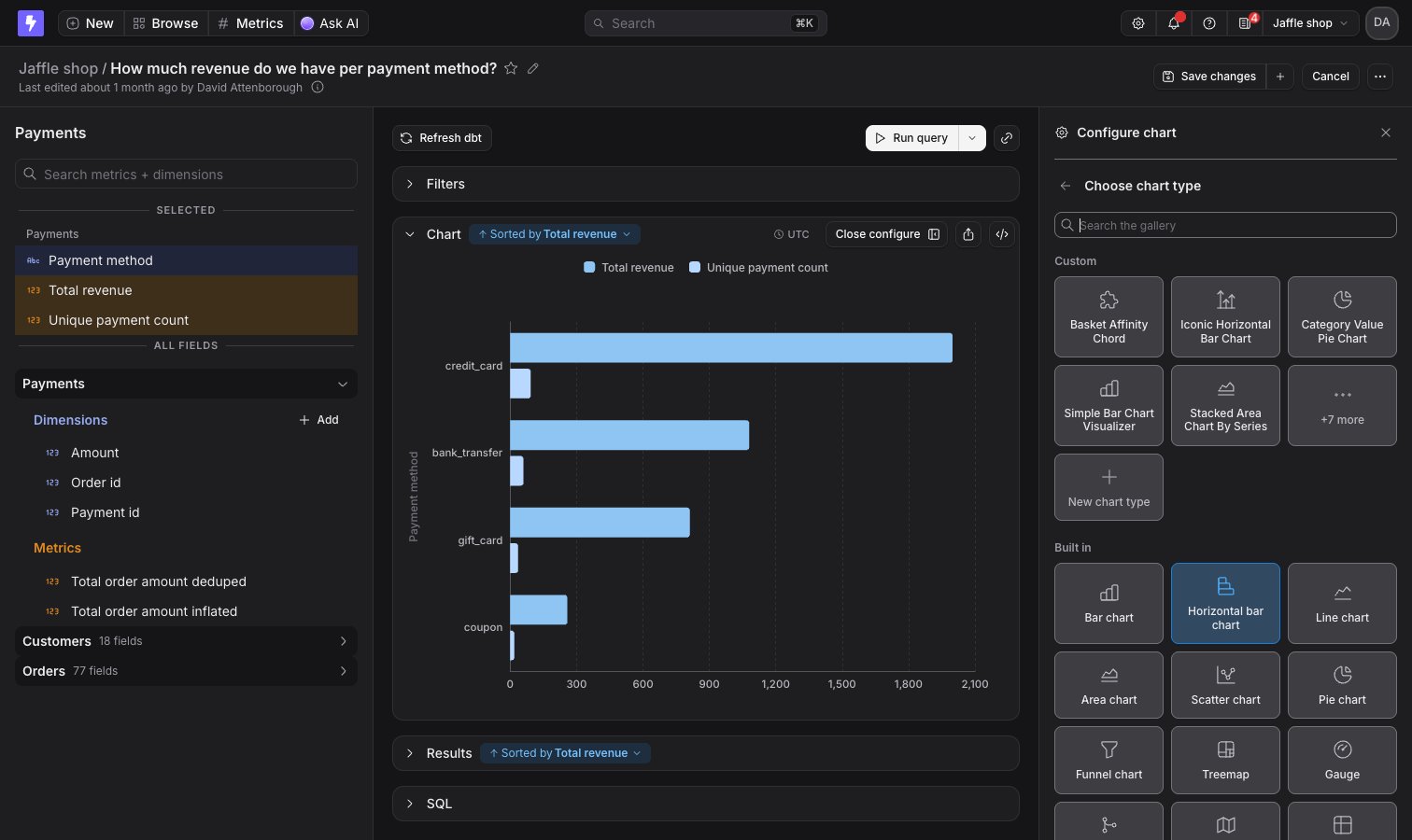
To change how your data is displayed, click **Configure** when you're querying from a table. The **Configure chart** sidebar opens on the right. Click **Change** next to the current chart type to open the chart type gallery, then pick a card: