Picking a chart type
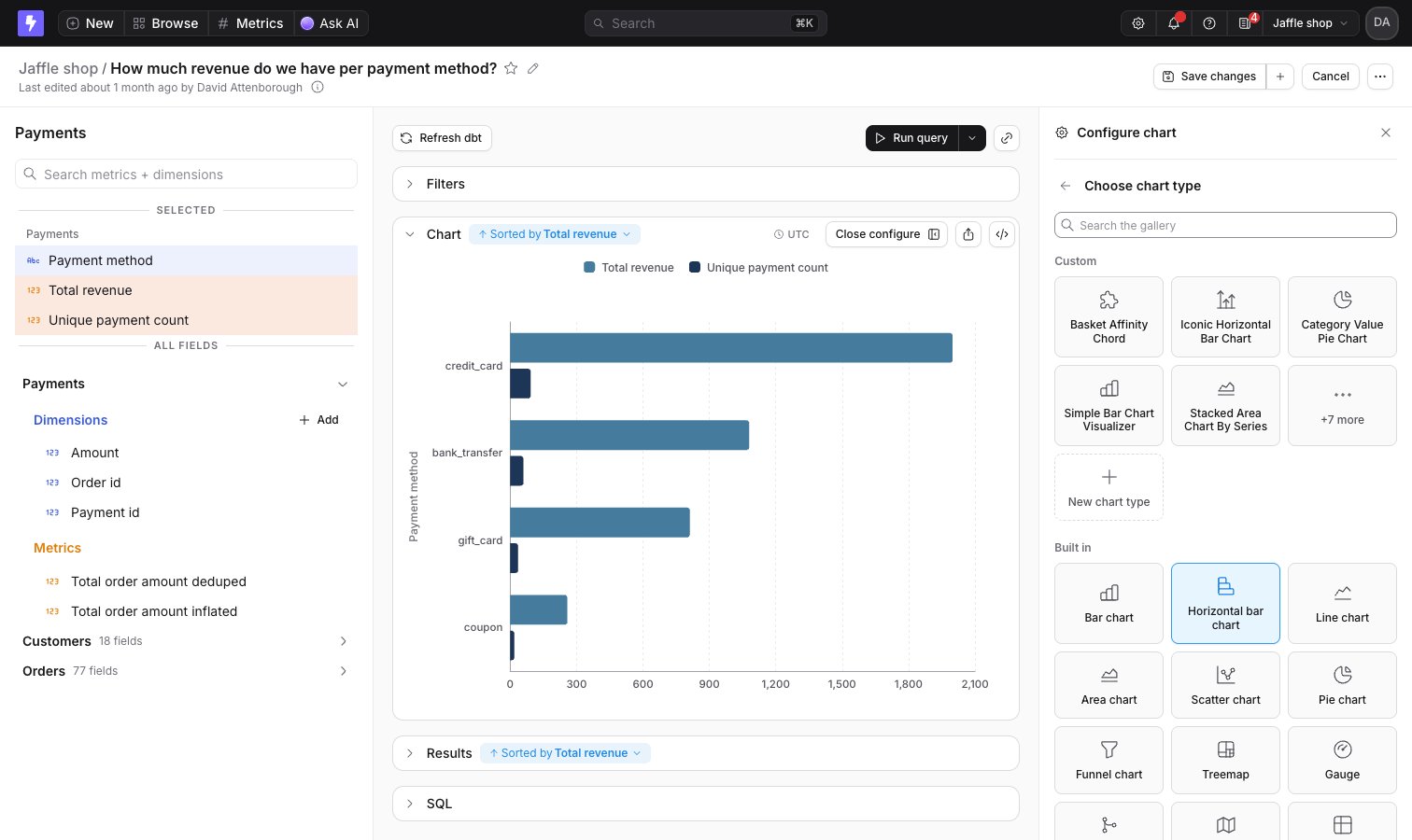
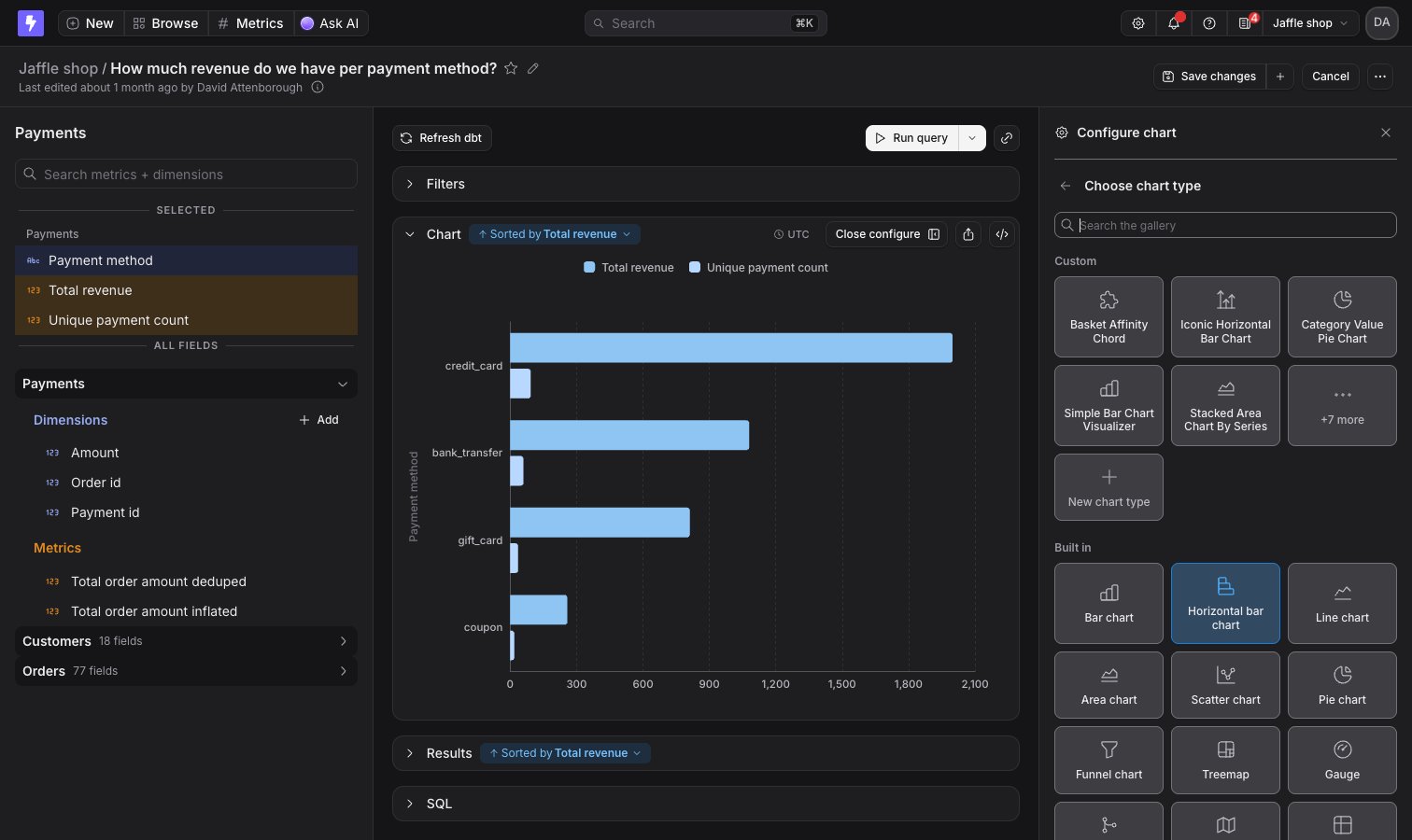
To change how your data is displayed, click Configure when you’re querying from a table. The Configure chart sidebar opens on the right. Click Change next to the current chart type to open the chart type gallery, then pick a card: