> ## Documentation Index
> Fetch the complete documentation index at: https://docs.lightdash.com/llms.txt
> Use this file to discover all available pages before exploring further.
# Agent visibility
> Understand how Lightdash gives admins visibility, control, and a feedback loop over what AI agents do with your data.
## Built for trust
AI agents only earn a place in your workflow if admins can see what they're doing and step in when it matters. Lightdash agents are designed around three principles: every interaction is visible to admins, risky actions need a human decision before they happen, and wrong answers get found and fixed rather than just logged.
That matters because the usual alternative, broad warehouse access and ad hoc SQL, tends to leave little trace of what was queried, by whom, or whether anyone checked the result. Lightdash agents keep that same flexibility while making every question, generated query, and external tool call attributable, reviewable, and improvable.
These principles come down to three pillars:
| Pillar | What it means | Where it lives |
| ---------------- | -------------------------------------------------------------------------------------------- | --------------------------------------------------------------------------------------------------------------------------------------------------------------------------------------------------------------------- |
| **Transparency** | Every interaction is visible to admins, not just the person who ran it | [Thread activity](#thread-activity), [MCP activity](#mcp-activity), [Autopilot activity](/guides/ai-agents/autopilot#reviewing-activity) |
| **Control** | Risky actions require a human decision *before* they happen, and access is scoped by default | [SQL mode approval](/guides/ai-agents/using-ai-agents#sql-mode), [data access control](/guides/ai-agents/data-access), [MCP tool curation](/guides/ai-agents/mcp-servers#choose-which-tools-are-exposed-to-the-agent) |
| **Governance** | Wrong answers get found and fixed, not just logged | [Reviews](/guides/ai-agents/reviews), [Evaluations](/guides/ai-agents/evaluations), [Verified answers](/guides/ai-agents/verified-answers) |
Admins manage all of this from **Settings → Ask AI**, which groups thread history, MCP activity, and Reviews in one place, scoped to the projects each admin manages.
## Thread activity
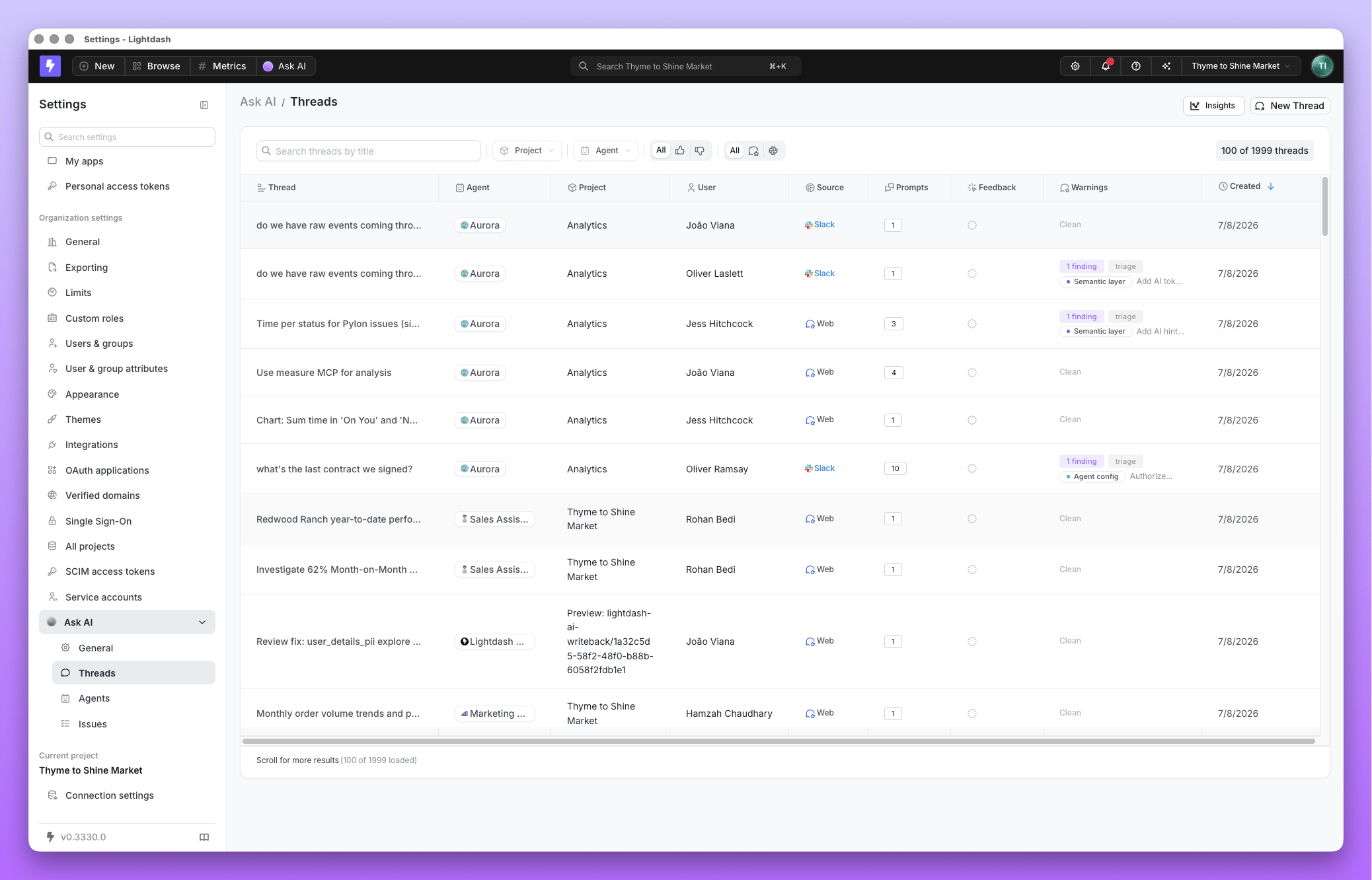
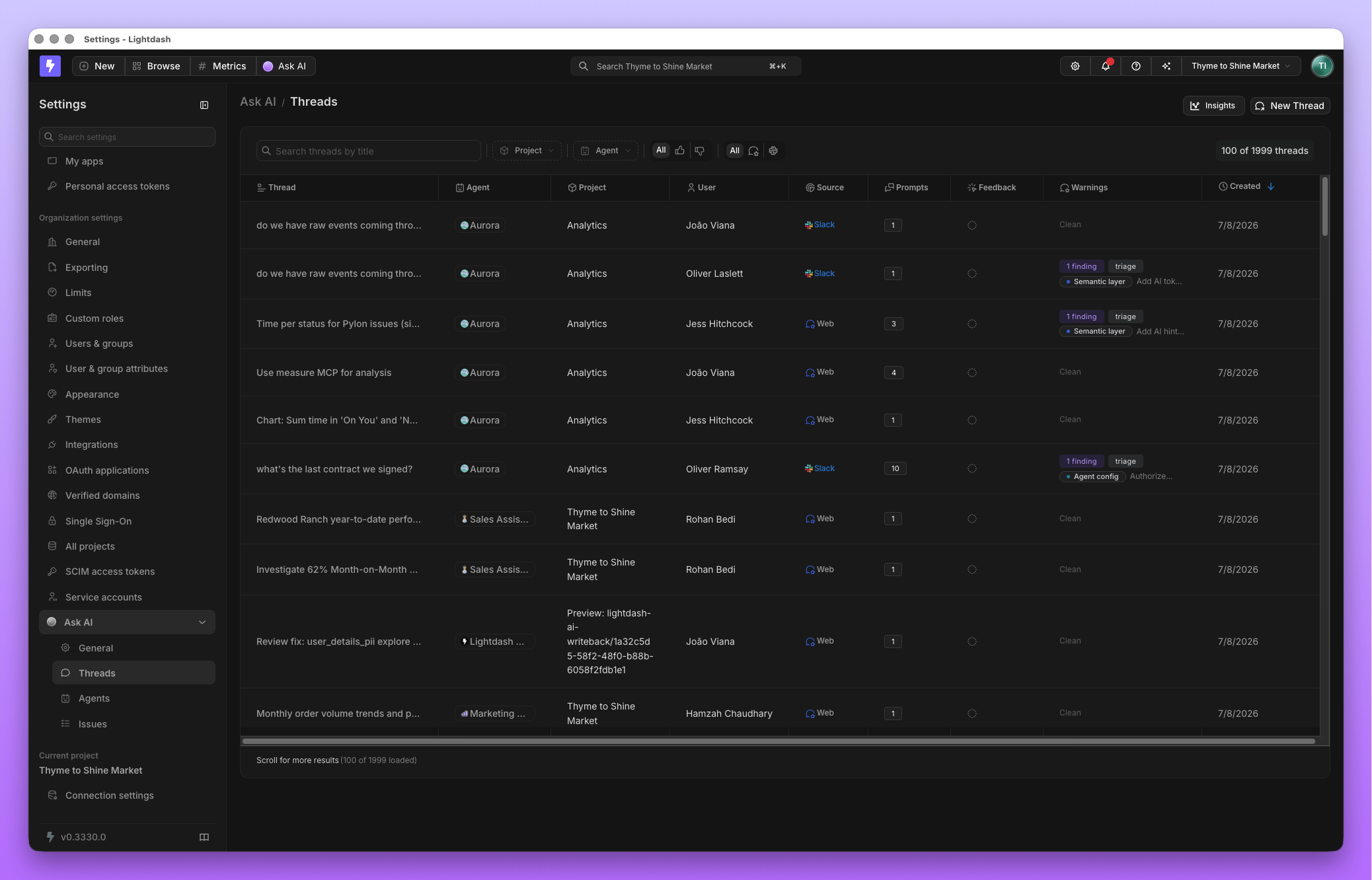
Every agent conversation, in the Lightdash app or Slack, is visible to admins under **Threads**. It's the same record the person who asked the question sees: their question, the agent's answer, and the query behind it. Admins use it to understand how agents are actually being used, and to pull real conversations into [Evaluations](/guides/ai-agents/evaluations) as test cases.
 ## MCP activity
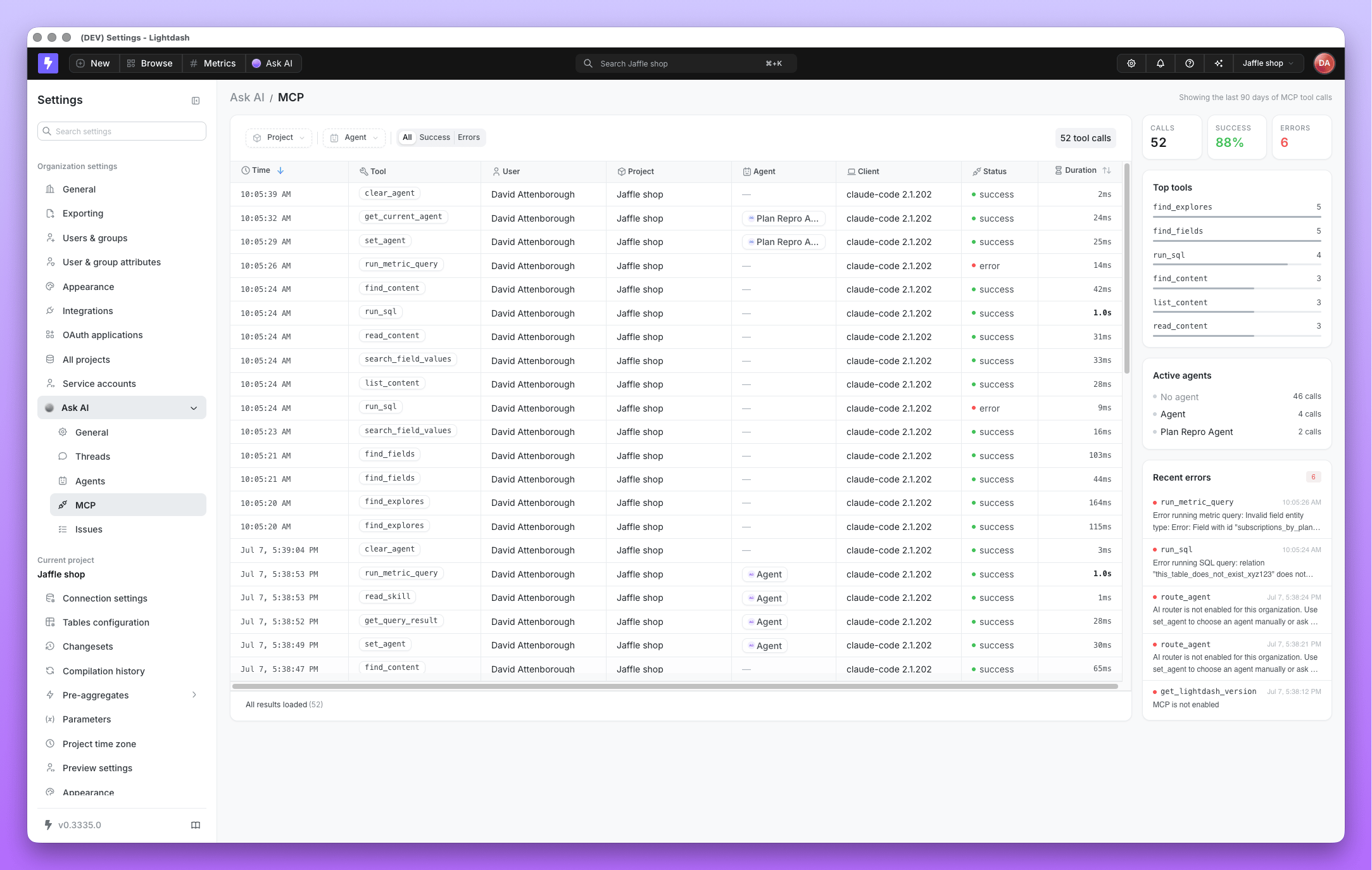
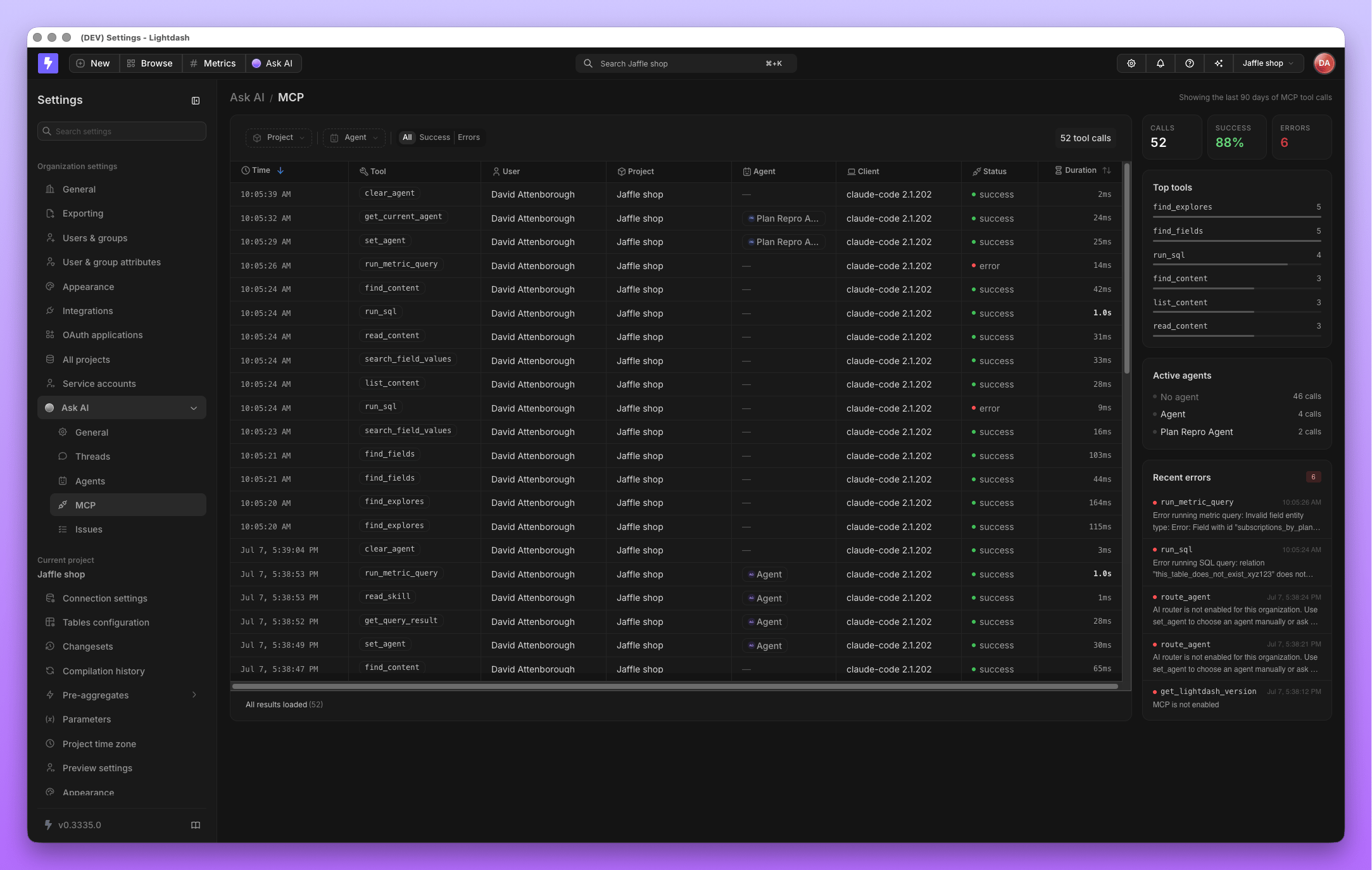
Agents don't only answer questions about your data. Once you connect an [MCP server](/guides/ai-agents/mcp-servers), they can act in other tools too, filing a Linear issue or searching Notion, for example. The **MCP** tab extends the same visibility admins have into threads to those actions: what was called, by whom, and whether it succeeded.
## MCP activity
Agents don't only answer questions about your data. Once you connect an [MCP server](/guides/ai-agents/mcp-servers), they can act in other tools too, filing a Linear issue or searching Notion, for example. The **MCP** tab extends the same visibility admins have into threads to those actions: what was called, by whom, and whether it succeeded.
 Activity is retained for 90 days.
Which tools an agent is *allowed* to call is decided separately, per MCP server, in project settings. See [choosing which tools are exposed](/guides/ai-agents/mcp-servers#choose-which-tools-are-exposed-to-the-agent).
## Closing the loop: Reviews & Evaluations
Visibility on its own is a log. Paired with [Reviews](/guides/ai-agents/reviews) and [Evaluations](/guides/ai-agents/evaluations), it becomes a feedback loop: Reviews scans agent turns for likely-wrong answers and proposes a fix, and Evaluations turns any thread into a regression test so a fixed issue stays fixed.
## Agents vs. raw SQL access
| | Raw warehouse SQL access | Lightdash AI agents |
| ------------------------------------ | --------------------------------------- | ------------------------------------------------------------------------------------------------------- |
| **Visibility into queries** | Only if you've built your own logging | Every question and query, in Threads |
| **Visibility into external actions** | Untracked | Every MCP call logged, with outcome |
| **Review before execution** | None, the query already ran | SQL mode requires approval first |
| **Row and column security** | Only as strong as your warehouse grants | Inherits your existing [user attributes](/guides/ai-agents/data-access#user-attributes-and-permissions) |
| **Catching a wrong answer** | You find out when someone notices | Reviews surfaces it proactively |
## Related
* [Reviews](/guides/ai-agents/reviews): the quality feedback loop
* [Evaluations](/guides/ai-agents/evaluations): regression-test agent behavior
* [Data access control](/guides/ai-agents/data-access): what agents can query and see
* [MCP servers](/guides/ai-agents/mcp-servers): connect and curate external tools
* [Autopilot](/guides/ai-agents/autopilot): scheduled agent with its own activity log
Activity is retained for 90 days.
Which tools an agent is *allowed* to call is decided separately, per MCP server, in project settings. See [choosing which tools are exposed](/guides/ai-agents/mcp-servers#choose-which-tools-are-exposed-to-the-agent).
## Closing the loop: Reviews & Evaluations
Visibility on its own is a log. Paired with [Reviews](/guides/ai-agents/reviews) and [Evaluations](/guides/ai-agents/evaluations), it becomes a feedback loop: Reviews scans agent turns for likely-wrong answers and proposes a fix, and Evaluations turns any thread into a regression test so a fixed issue stays fixed.
## Agents vs. raw SQL access
| | Raw warehouse SQL access | Lightdash AI agents |
| ------------------------------------ | --------------------------------------- | ------------------------------------------------------------------------------------------------------- |
| **Visibility into queries** | Only if you've built your own logging | Every question and query, in Threads |
| **Visibility into external actions** | Untracked | Every MCP call logged, with outcome |
| **Review before execution** | None, the query already ran | SQL mode requires approval first |
| **Row and column security** | Only as strong as your warehouse grants | Inherits your existing [user attributes](/guides/ai-agents/data-access#user-attributes-and-permissions) |
| **Catching a wrong answer** | You find out when someone notices | Reviews surfaces it proactively |
## Related
* [Reviews](/guides/ai-agents/reviews): the quality feedback loop
* [Evaluations](/guides/ai-agents/evaluations): regression-test agent behavior
* [Data access control](/guides/ai-agents/data-access): what agents can query and see
* [MCP servers](/guides/ai-agents/mcp-servers): connect and curate external tools
* [Autopilot](/guides/ai-agents/autopilot): scheduled agent with its own activity log