> ## Documentation Index
> Fetch the complete documentation index at: https://docs.lightdash.com/llms.txt
> Use this file to discover all available pages before exploring further.
# Sharing charts
> Share a work-in-progress exploration or a saved chart, and download results and chart images
There are three ways to get a chart in front of your team: share the URL of an exploration in progress, share a saved chart, or download the results or an image.
## Share a draft URL
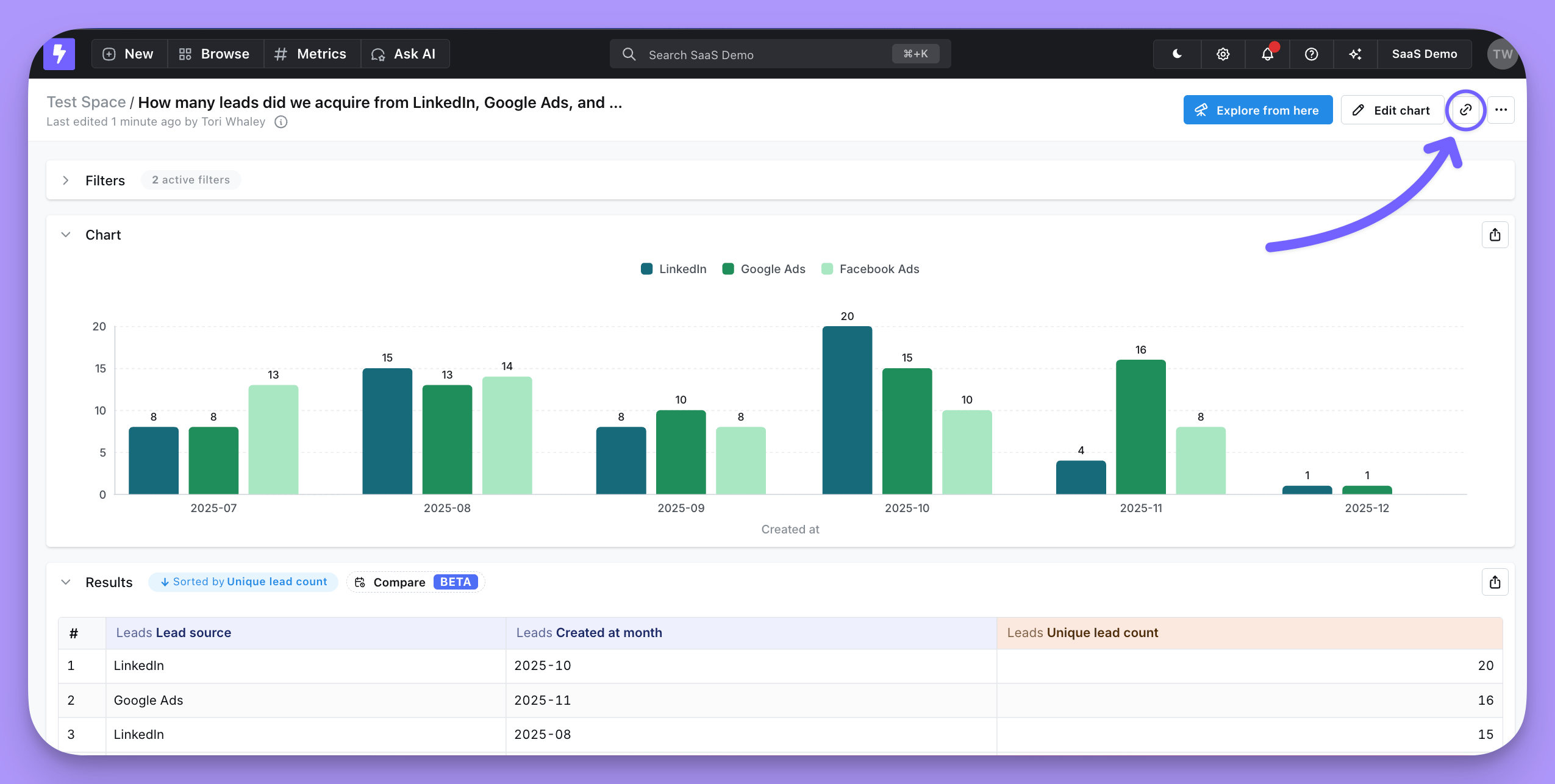
As you explore data, the URL holds a unique link to your work in progress. Copy it and anyone with access to your Lightdash project lands in the Explore view at exactly the point you're at.
The link gets long when a chart carries a lot of configuration, so use the built-in link shortener to grab a short one.
 ## Share a saved chart
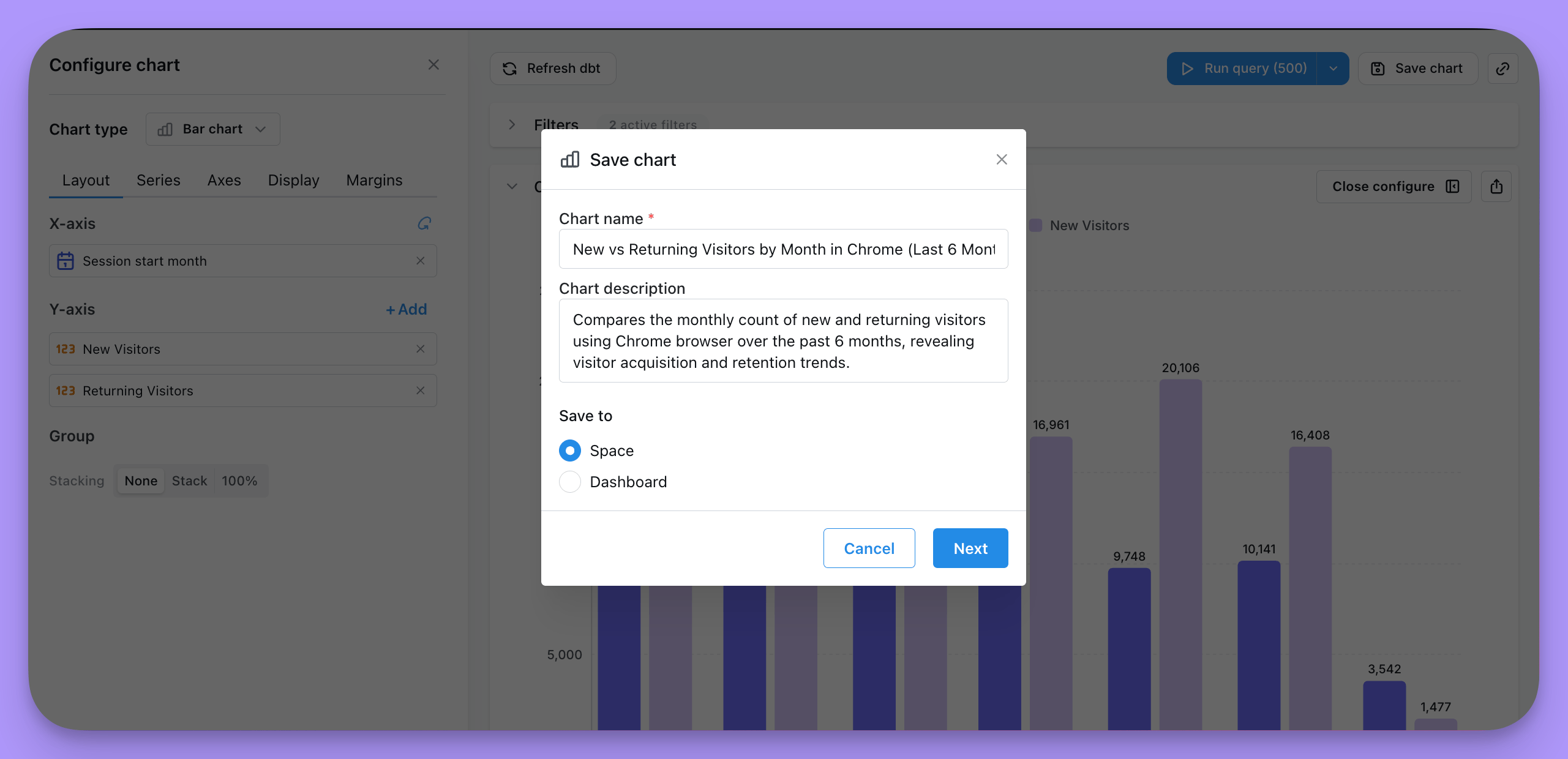
Create a new saved chart, or update an existing one, with the **Save chart** button on the chart panel. You'll have the option to [save to a space or a dashboard](/explore/explore-view#save-your-chart).
## Share a saved chart
Create a new saved chart, or update an existing one, with the **Save chart** button on the chart panel. You'll have the option to [save to a space or a dashboard](/explore/explore-view#save-your-chart).
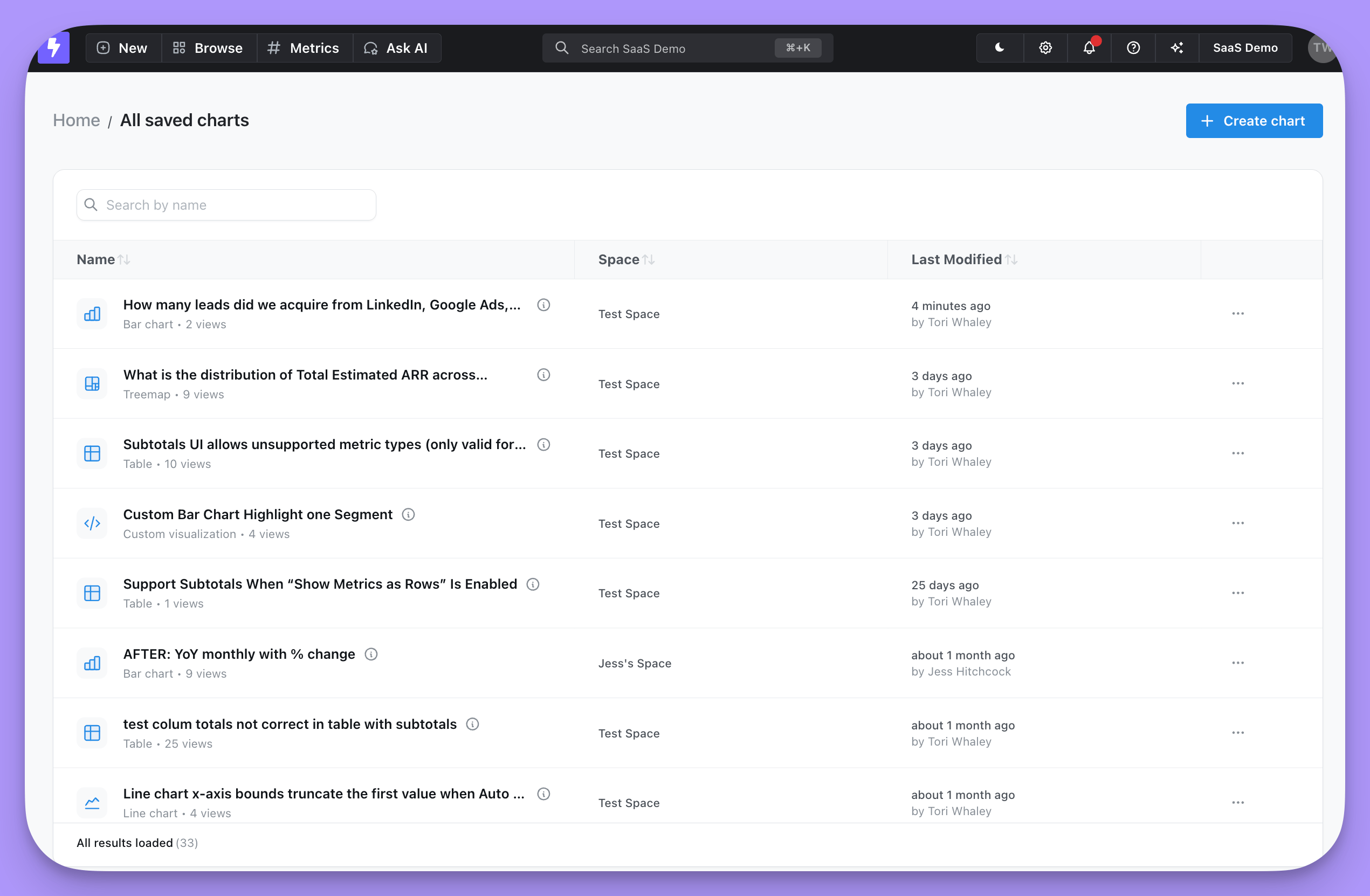
 Everyone in your project can reach a saved chart, as long as they have access to the space you saved it to. They can find it under **Browse → All saved charts**, or you can send them the URL directly.
 ## Download results or a chart image
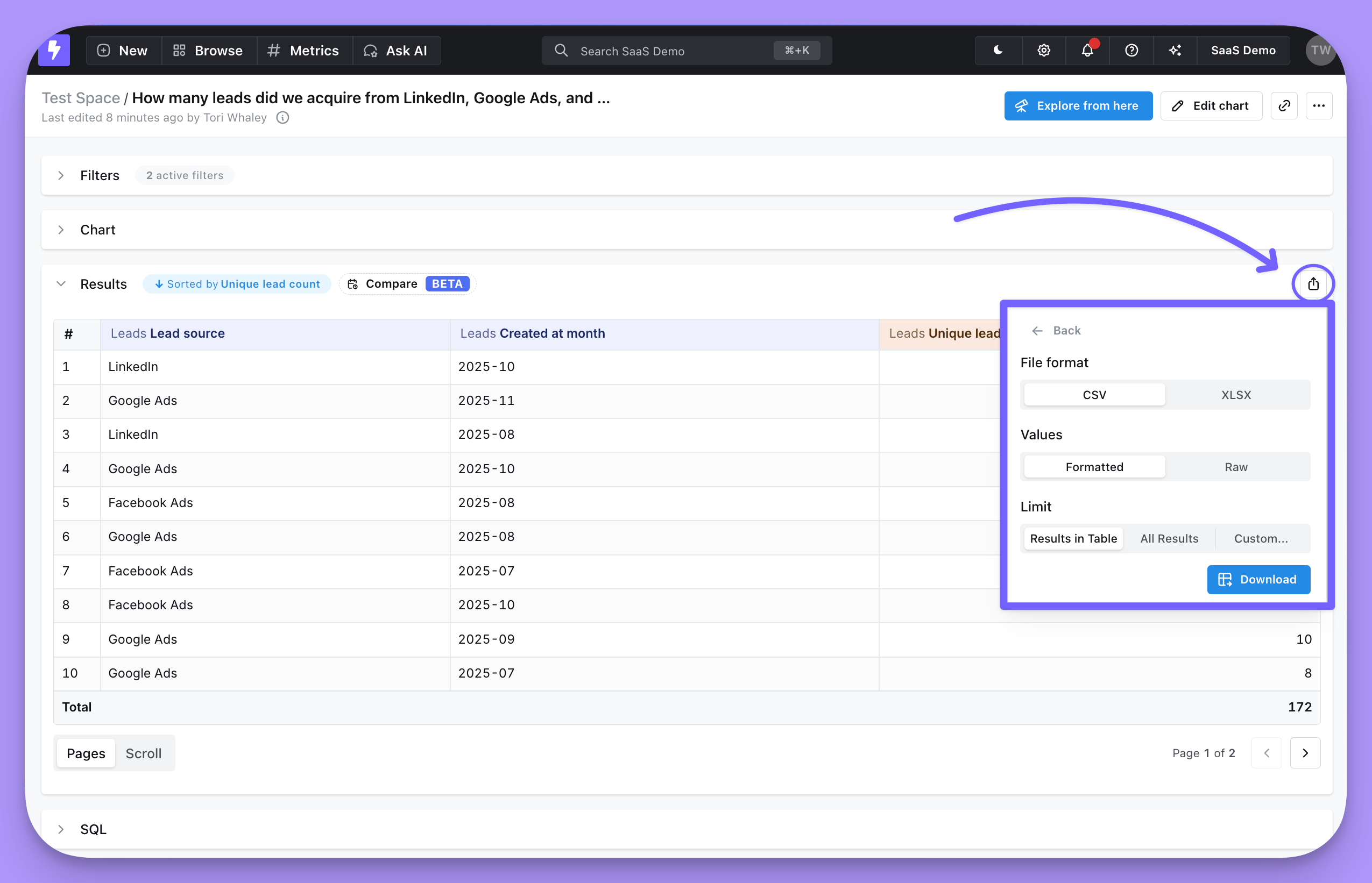
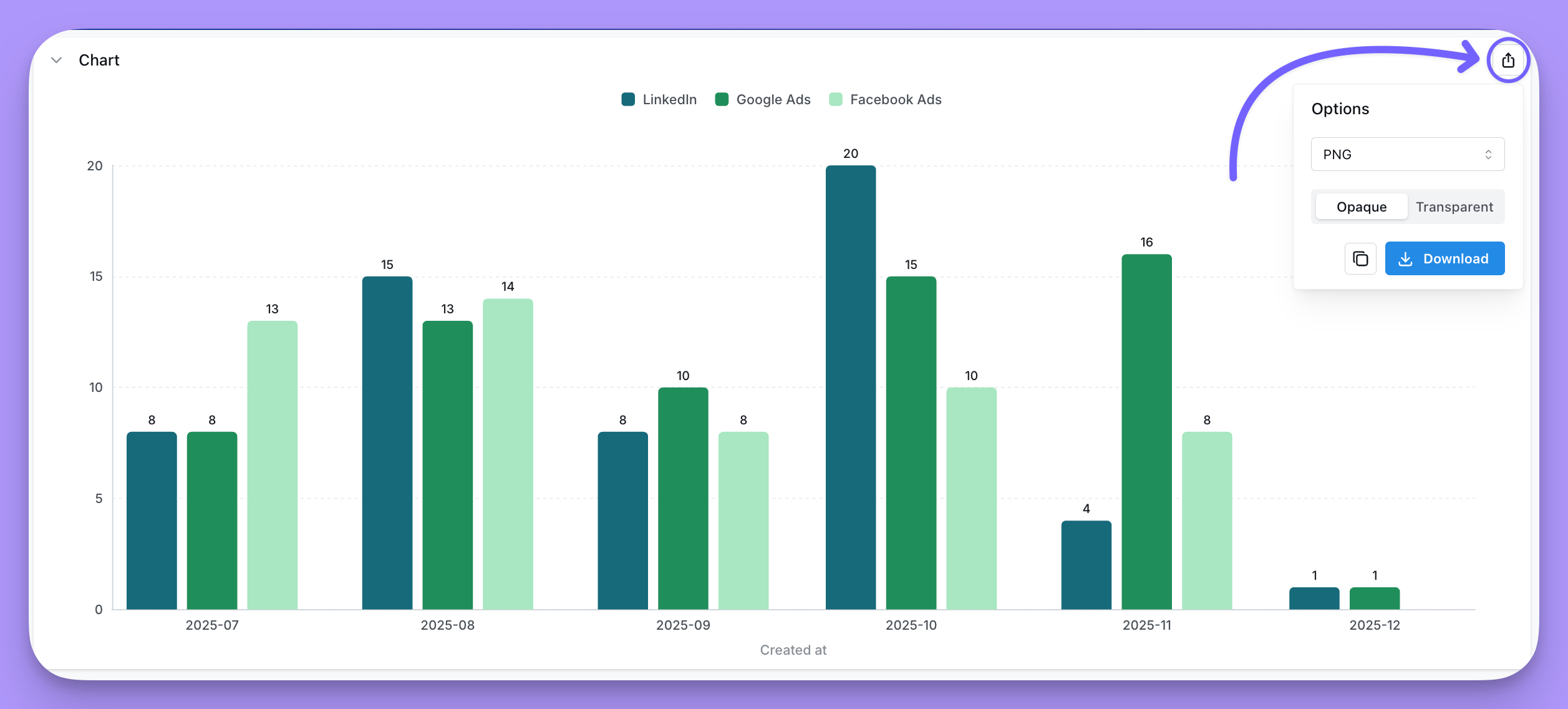
Click the export icon on a chart to download it as JPEG, PNG, SVG, PDF, or JSON, with an opaque or transparent background. You can download the file or copy it to your clipboard.
## Download results or a chart image
Click the export icon on a chart to download it as JPEG, PNG, SVG, PDF, or JSON, with an opaque or transparent background. You can download the file or copy it to your clipboard.
 You can also download the results table as a CSV or an Excel spreadsheet, or export it to a Google Sheet if your organization has [that set up](/integrations/google-sheets).